

If you’re searching for Cvent alternatives, it usually means one of two things. ✌️
- You're already using Cvent and fed up: endless add-on fees, a training manual just to update a heading, and a support queue when you're already underwater on event day.
- You’re evaluating event planning software, seeing Cvent everywhere, and thinking: “Cool, but is this…a lot?”
Fair question. Cvent is a powerhouse. It’s one of the biggest names in event software for a reason, and for enterprise teams with complex global programs, deep budgets, and plenty of time to implement, Cvent can be a great fit.
But that doesn’t mean it’s totally right for your team. If you need to launch fast, keep costs predictable, and use a flexible yet intuitive tool, there are plenty of Cvent competitors worth evaluating. So let’s get to looking. 👇
👀 Quick disclaimer: Yes, Swoogo is on this list! We believe in our product, but we also know there’s no perfect tool for every team. That means we’ll be honest about who each platform is for, where it shines, and where it might not be your best fit.
What to consider when comparing Cvent alternatives
Before we get into the list, it helps to know what you’re actually comparing. Remember, “best” is only useful if it means “best for how your team actually works.”
- Ease of use and time to implement: A platform can have every feature under the sun, but if your team can’t build and launch without professional services, you’ll feel it. Look for how fast teams can go live, how much training is required, and whether non-technical event professionals can actually own the build.
- Pricing transparency: Be honest about what you can spend and what pricing model you’re comfortable with. Some event platforms charge flat annual pricing. Many charge per registration. Some charge per event. Some charge extra for support, integrations, add-ons, onboarding, API access, and the privilege of breathing too close to the platform. 😬
- Registration flexibility and customization depth: For simple events, almost any event registration software can get the job done. But if you need different registration paths by attendee type, approval workflows, conditional pricing, session rules, invite-only experiences, sponsor flows, or region-specific questions, flexibility matters. This is where many teams either find their dream tool or discover a new hobby called “manual workarounds.”
- CRM/MarTech integrations: Your event data shouldn’t live on an island, wearing sunglasses, ignoring your CRM. If events influence pipeline, retention, account engagement, or customer experience, your platform needs clean integrations with tools like Salesforce, HubSpot, Marketo, and your reporting stack.
- Support model: In events, things are bound to break at the most inconvenient times. Find out whether support is in-house or outsourced, what’s included in your plan, whether you get a real customer success partner, and how quickly someone can help when things go sideways.
The best Cvent alternatives: Quick overview
| Platform | G2 rating | Best for | Time to implement | Easy to use | Strong customer support | All-in-one tool | Pricing |
| Cvent | 4.3/5 | Legacy enterprise orgs | 3 months | ❌ | ✅ | ✅ | Custom quote only |
| Swoogo | 4.9/5 | Scaling, flexible event teams | 1 month | ✅ | ✅ | ✅ | Flat, predictable |
| Bizzabo | 4.3/5 | Brand-forward events | Not listed | ✅ | ✅ | ✅ | Flat, predictable |
| RainFocus | 4.6/5 | Flagship enterprise events | 3 months | ❌ | ✅ | ✅ | Custom quote only |
| Stova | 4.2/5 | Traditional in-person conferences | 2 months | ✅ | ✅ | ✅ | Flat fee for small events / Per reg + fee for larger |
| Eventbrite | 4.3/5 | Public ticketed events | <1 month | ✅ | ❌ | ❌ | Per ticket fees |
| RingCentral Events | 4.5/5 | Virtual and hybrid events | Not listed | ✅ | ❌ | ❌ | Flat, predictable |
Deeper dive into Cvent
Cvent is a powerhouse, but with great power often comes great complexity—and that’s certainly true in the case of Cvent. Its product ecosystem covers a lot: registration, event websites, marketing, speaker management, exhibitor management, venue sourcing, room blocks, travel, onsite check-in, badging, networking, event apps, reporting, and more.
Why teams choose Cvent
Here are some of the reasons why people stick to Cvent:
- Global venue sourcing: A large venue marketplace (340,000+ hotels/destinations) with RFP tools.
- Global scalability: 24/7 support and infrastructure built for large, complex event programs.
- Enterprise-grade reporting: Detailed reporting tools for teams that need deep visibility to prove ROI across events.
- A very deep feature set: Event registration, venue sourcing, onsite tools, surveys, reporting, and more in one platform.
- CventIQ AI tools: Built-in AI features to support planning, personalization, content, and event insights.
TL;DR: Cvent works best when you have the money, team, and time to get full value from a heavyweight platform.
Why teams leave Cvent
Teams usually start looking for alternatives when they run into things like:
- Slow implementation: Getting up and running takes an average of three months. Yowza.
- Expensive, unpredictable pricing: Costs can climb with add-ons, events, registrations, integrations, and reporting.
- Professional services dependency: Custom workflows often require extra help instead of quick self-serve changes.
- Steep learning curve: The platform is powerful, but not always intuitive without training and practice.
- Limited flexibility: Teams may struggle to build the exact registration flows, rules, and event experiences they want.
TL;DR: Cvent can do a lot, but some teams reach a point where they need something faster to launch, easier to manage, and more predictable to pay for.
1. Swoogo: Best alternative for teams that need flexibility without enterprise bloat
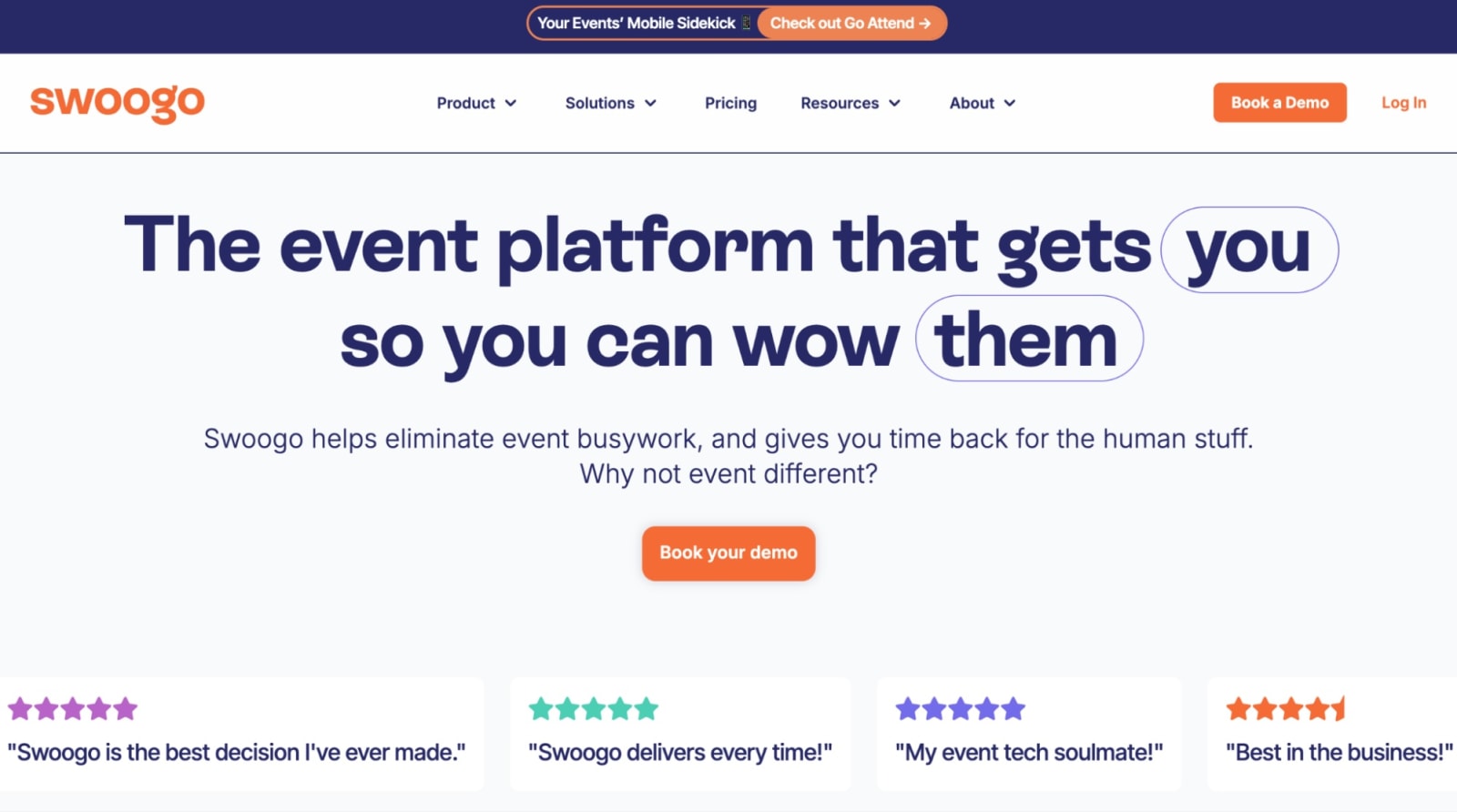
Swoogo is event management software for teams running real event programs: multi-track conferences, roadshows, field events, webinars, hybrid events, and everything in between.
The big difference? Compared to Cvent, Swoogo is flexible where event teams need it most: registration logic, event websites, and attendee journeys. That matters when your events have multiple attendee types, approval steps, session rules, pricing tiers, or different experiences for different audiences. Swoogo lets you build those paths without duct-taping together workarounds or needing professional services on speed dial to make it work.
And with native integrations for Salesforce, HubSpot, Marketo, and 35+ other tools—plus the first native MCP server that allows you to ask your AI tool of choice all about your event data—Swoogo helps keep your event data clean, connected, and actually useful after the badge scanners go back in the closet.
Features users love
- Unlimited flexibility on flat pricing: Unlimited events, registrations, conditional logic, and custom registration flows without per-registration fees.
- Intuitive, quick setup: Create branded reg pages faster with built-in event themes, easy event cloning, drag-and-drop widgets, and HTML, CSS, and JavaScript control.
- Full control over attendee journeys: Tailor registration paths, agendas, pricing, questions, and communications for different audiences without custom development.
- Reliable onsite tools: Use Go Onsite for fast check-in, badge printing, self-service kiosks, and onsite engagement.
- MCP server for AI workflows: Connect event workflows with AI tools like ChatGPT and Claude (whichever one you fancy), so your team can extend how they plan, manage, and act on event data.
- 100% in-house support: Every Swoogo customer gets onboarding, a dedicated account manager, and access to our support team—no premium support tier required, with first responses in 15 minutes or less.
| Pros ✅ | Cons ❌ |
| • Predictable user-based pricing, without fees tied to every registration • Flexible registration tools for custom attendee journeys and personalization • Connected data across every event, audience, and touchpoint | • No native room block management |
What customers say
“For over a decade, Cvent was my go-to for event management. However, after just nine months with Swoogo, I can confidently say I've found a platform that truly understands the needs of event planners. The difference has been night and day!
What immediately struck me about Swoogo was how incredibly user-friendly and event planner-friendly it is. Unlike other platforms that can feel clunky and overwhelming, Swoogo's intuitive design makes navigating and managing events a breeze. This ease of use isn't just my opinion–our employees and customers have consistently commented on how simple and straightforward it is to use, leading to a much smoother experience for everyone involved.”
- Sarah S., Enterprise Event Manager
“I appreciate how Swoogo has completely changed the way we do events and streamlined our processes significantly. The platform is extremely user-friendly, and we love its customizability. Their customer service is also a big benefit. Initially, it was very easy to set up Swoogo, and our team was onboarded very quickly. The switch from Cvent to Swoogo was smoother due to it being easier and a much better fit for our needs.”
- Ashley G., Enterprise
Use Swoogo if:
- You run multiple in-person or hybrid events per year.
- You want to move fast without relying on professional services.
- Clean CRM data and integrations are non-negotiable.
- You're done with unpredictable pricing, multi-year contracts, and endless costly add-ons.
Pricing:
Swoogo’s pricing is split into two plans:
- Professional: $11,800 per year for unlimited events and unlimited registrations
- Enterprise: Custom pricing for teams that need everything in Professional, plus more advanced enterprise-grade features across personalization, security and compliance, and scalable API access.
You can also add extras like additional custom domains, Go Onsite Pro, and a mobile event app to tailor the platform around your event needs.
2. Bizzabo: Best alternative for sleek events
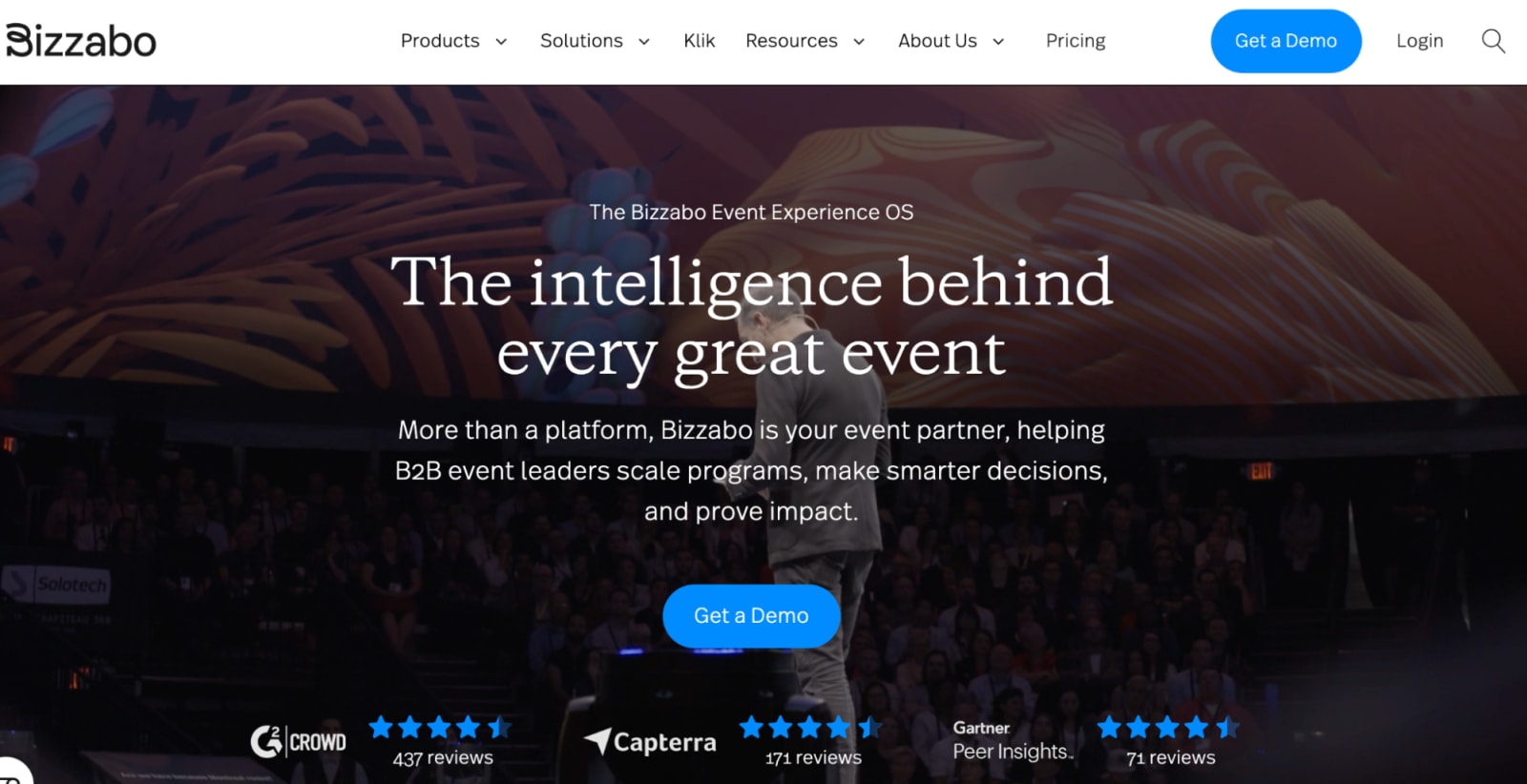
Bizzabo is a Cvent alternative for teams that want polished event websites, a modern attendee experience, and strong engagement tools. It’s especially appealing for brand-forward conferences and marketing-led events where the look and feel matter. A lot.
The platform brings together registration, websites, marketing tools, a mobile app, and attendee engagement features in one package. For high-impact customer conferences, user events, or branded experiences, that can be a real advantage.
Where Bizzabo may not stretch as far is registration flexibility. It’s great at making the event experience feel polished, but if your set-up includes multiple attendee types, approval flows, detailed conditional logic, or very specific registration paths, you may start to feel the edges, especially when comparing Bizzabo to tools like Swoogo.
Features users love
- Polished event websites: Build branded pages that look clean, modern, and ready for a high-visibility audience.
- Klik SmartBadge: Bluetooth-enabled badges help attendees share contact information and network with a quick tap.
- Hotel room block tools: Let attendees manage hotel bookings while your team monitors inventory, pickup, and availability from one place.
- Mobile event app: Keep attendees connected with agendas, push notifications, messaging, and live engagement features.
- Event marketing and reporting: Use built-in campaign tools and dashboards to monitor event performance before, during, and after the event.
| Pros ✅ | Cons ❌ |
| • Flat, annual pricing • Brand-forward experience • Strong engagement and networking tools | • Caps conditional logic • May require professional services for complex setups |
What customers say
“Bizzabo may not have all of the features as Cvent but we don't need all of those features for most of our campaigns. I also like that there isn't a limit of users within the account. It's a great technology for professionalizing simple events and versatile to use for microsites for conferences, as well.”
- Verified User in Consulting
“The best about this software is the white-label mobile apps' standard features in Bizzabo. It makes my work easy because I can completely brand the attendees' experience, from the splash screen to the interactive flow map, without writing a single line of code. And it provides a premium feel that rivals custom-built applications.”
- Hamzah A., Administrator
Use Bizzabo if:
- Visual polish and attendee experience are your top priority.
- Your events are fewer and higher-impact.
- You don't need complex registration rules or heavy backend customization.
Pricing:
Bizzabo’s Event Experience OS plan starts at $17,999 per year.
From there, pricing depends on what you need. The Klik SmartBadge is quoted separately, and premium add-ons are available for MarTech and CRM integrations, networking tools, speaker management, API access, advanced branding, and other expanded features.
3. Stova: Best alternative for traditional in-person conferences
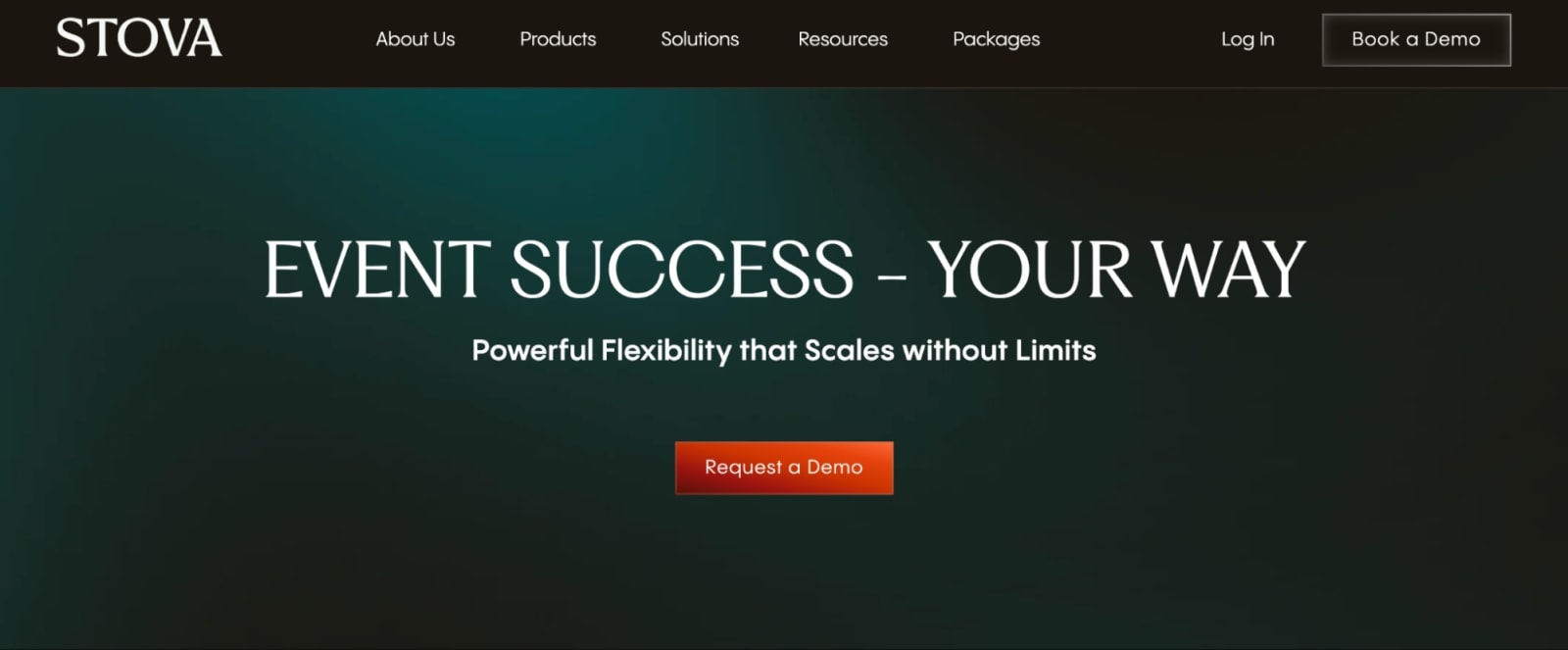
Stova, formerly MeetingPlay + Aventri + eventcore, is event management software built for the operational side of in-person events. Think registration, ticket types, pricing tiers, payment processing, exhibitor management, onsite check-in, badge printing, and structured workflows.
It can be a solid fit for teams running large annual conferences with similar formats year after year. If your event program is predictable and logistics-heavy, Stova may cover a lot of what you need.
Where Stova starts to feel limited is flexibility. Compared to other platforms in this list, the customization options are more rigid, and the interface may feel a bit dated.
Features users love
- Ticketing and payments: Build ticket options, pricing tiers, discounts, and payment flows for different attendee groups.
- Onsite event tools: Handle registration, badge printing, and check-in from one platform.
- Exhibitor and sponsor management: Keep booth assignments, sponsorship packages, and exhibitor workflows organized.
- Structured workflows: Create reg paths and approval processes that help large conferences stay organized.
- Multi-language support: Build registration and event experiences for international audiences.
| Pros ✅ | Cons ❌ |
| • Tier-based pricing with a lower-cost entry point • Enterprise-ready workflows • Solid onsite event management features • Great for repeatable annual events | • Rigid conditional logic • Limited design flexibility • Most plans charge per reg on top of the monthly price |
What customers say
“Once you understand it, it is user-friendly and whenever I have questions, customer support is very helpful. There are some clunky things with some of the modules. I think the app could use a revamp and more options (i.e. I would love to be able to change font size and have more flexibility with use).”
- Meg G., Senior Meeting and Event Manager
“I've been using Stova for my event management role for around 5 years now, we host around 1000 events per year at different times and locations across Australia. The features within the system are vast, it really can do almost everything you need it to do… It can be hard to understand what functions are available, usually we identify a need then talk to the support team to find out how to do what we need to do, as it's difficult to figure things out on our own. The platform is a little dated.”
- Shea H., Senior Manager Strategic Projects
Use Stova if:
- You mostly manage large, logistics-heavy in-person conferences.
- You run the same event format year over year.
- You don't mind per-reg fees on top of a platform fee.
- Design flexibility and dynamic registration logic aren't priorities.
Pricing:
Stova has the most detailed pricing structure of the Cvent alternatives we’ve covered so far, with four product packages:
- Core: $1,995 + per reg starting at $3.00
- Pro: $5,995 + per reg starting at $4.50
- Enterprise: $12,995 + per reg starting at $5.60
4. Eventbrite: Best alternative for public, ticketed events on a budget
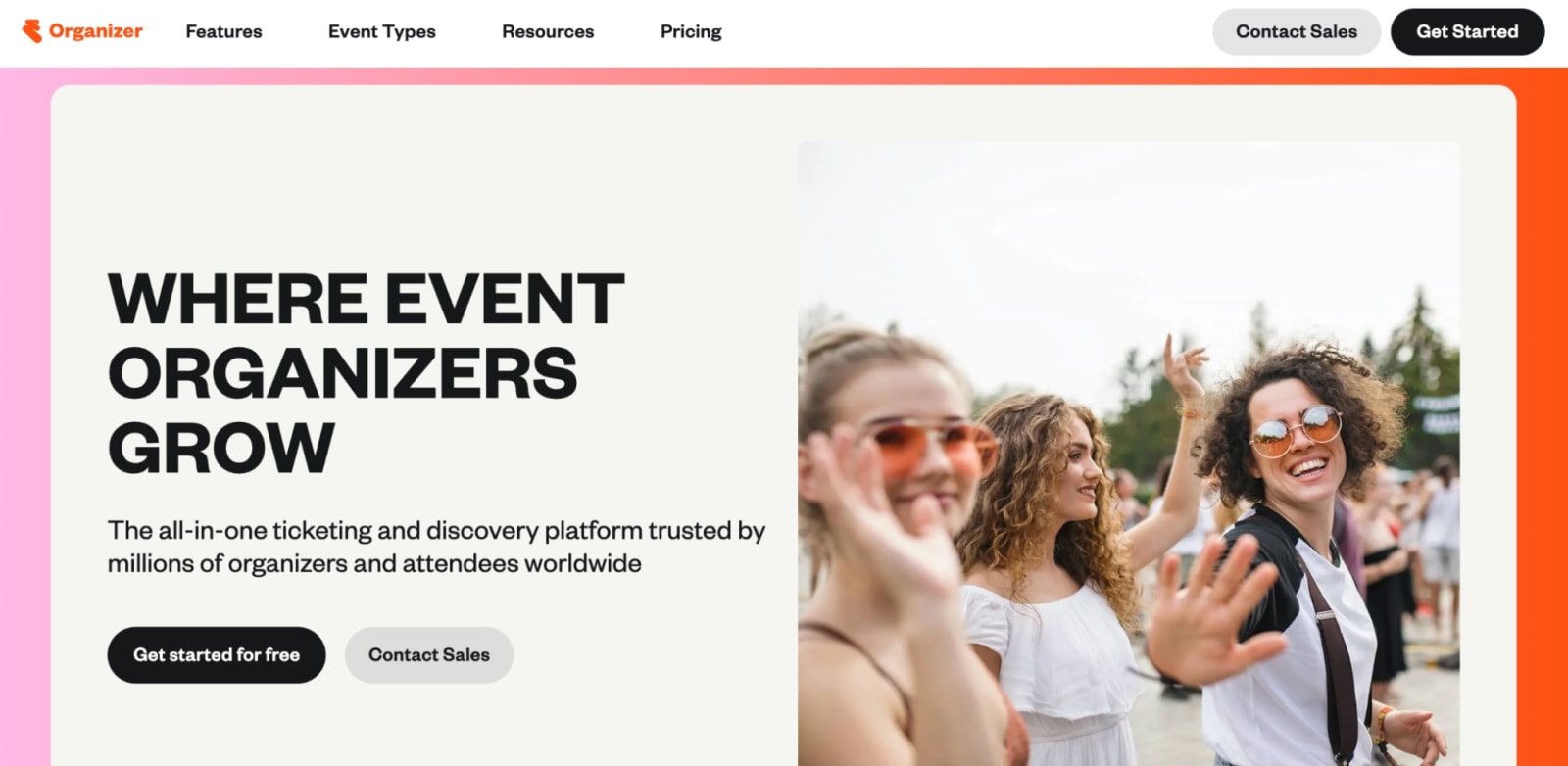
Eventbrite is the fastest on-ramp on this list—and probably the Cvent alternative that feels the least like Cvent.
You can create an event, publish it, sell tickets, and start promoting without a big software implementation process. For public-facing events like workshops, concerts, classes, meetups, fundraisers, and community gatherings, that simplicity is the whole point.
Eventbrite also has a built-in discovery marketplace, which can help public events get found by people already browsing for things to do locally. That’s a very different use case from enterprise conference management, but for the right event, it works!
The tradeoff is that Eventbrite hits its ceiling quickly. It’s not made for complex registration logic, deep CRM syncing, multi-event reporting, custom attendee journeys, or highly controlled brand experiences.
Features users love
- Quick event setup: You can build your event page, publish it, and start selling tickets in minutes.
- Built-in discovery: Reach people already browsing Eventbrite for things to do, with sponsored placements available in search and the app.
- No upfront subscription: You can get started without committing to a monthly or annual platform fee, which is great when you’re testing the waters.
- Flexible ticketing and payments: Sell paid tickets, offer free registration, collect donations, add checkout to your own site, and get payouts without too much fuss.
- Email marketing tools: Send customizable emails, segment your audience, and see how campaigns connect back to ticket sales.
| Pros ✅ | Cons ❌ |
| • Free to start • Large discovery marketplace • Fast and easy setup • Strong ticketing features | • Per-ticket fees add up quickly at scale • Minimal integrations and automation • Not built for complex events • Limited branding and customization |
What customers say
“I appreciate most about Eventbrite is how much heavy lifting it does on the marketing and visibility front. Because the platform has such strong domain authority and its own massive user base, our events consistently rank high on search engines, and we actually get a solid percentage of organic ticket sales from people just browsing the local event directory. From an operational standpoint, setting up a new event is incredibly intuitive. Even staff members who are not tech-savvy can build a professional registration page in less than an hour. Despite its strengths, there are some significant drawbacks that constantly frustrate our accounting and marketing teams. The most glaring issue is the pricing structure. The ticketing fees and processing charges are exceptionally steep compared to alternatives on the market.”
- Jaya G., Event Executive
“Eventbrite is an intuitive and easy-to-use platform for creating and managing events. I particularly appreciate the simplicity of implementation, the ability to integrate ticketing options, and the visibility it offers through its integrated SEO. The user interface is smooth, and the dashboard allows for good tracking of registrations.”
- Sabri S, Trainer
Use Eventbrite if:
- You run public, ticketed events (think workshops, concerts, and community events).
- Speed to market matters more than customization.
- You want to pay per ticket rather than commit to a subscription.
- Event complexity and CRM integration are low priorities.
Pricing:
Unlike most event registration platforms, Eventbrite doesn’t require an upfront subscription to get started. Free events are free to publish, and for paid events, Eventbrite charges a 3.7% + $1.79 service fee per ticket, plus a 2.9% payment processing fee per order.
Eventbrite also offers Eventbrite Pro as a paid add-on for teams that want more marketing muscle, including the ability to send up to 10,000 promotional event emails per day.
5. RainFocus: Best alternative for enterprises running massive flagship events
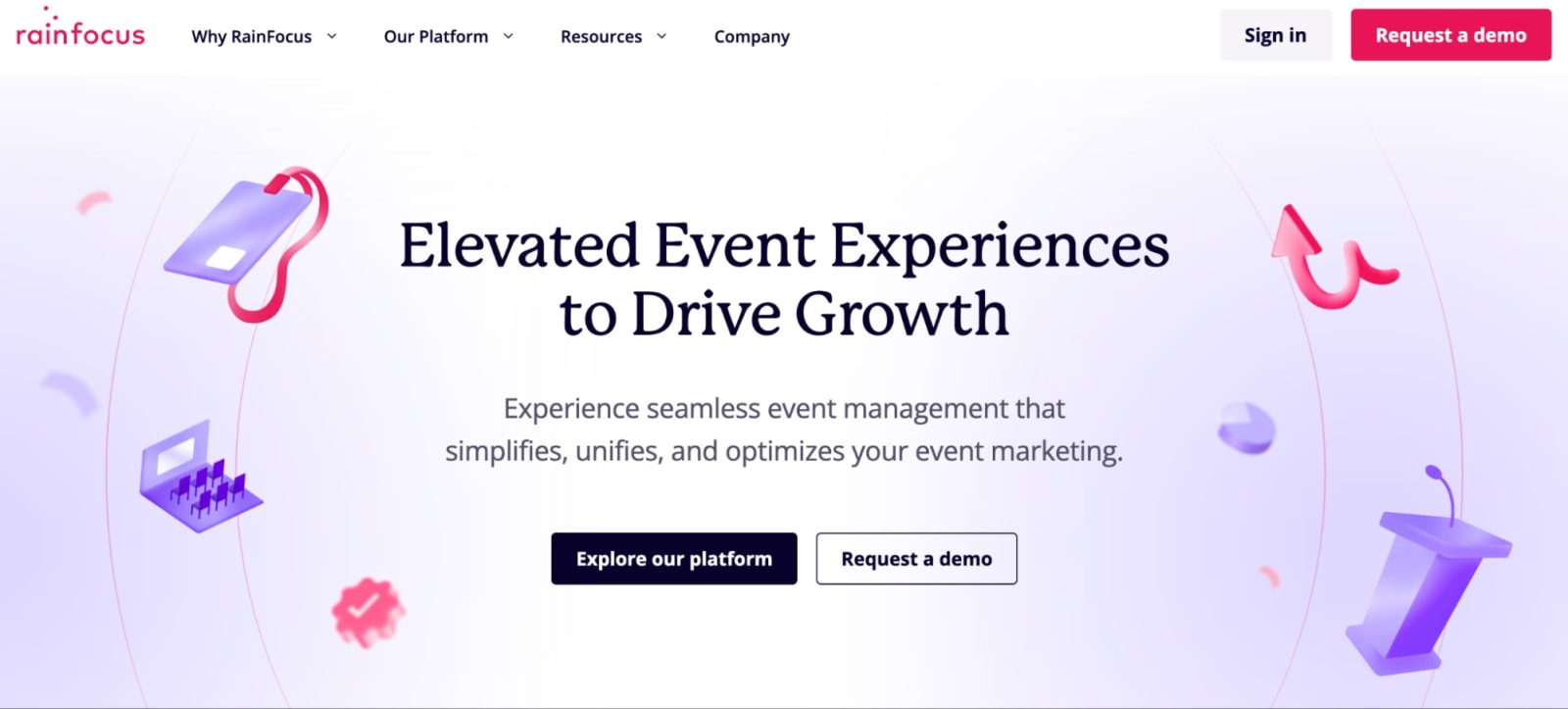
As a Cvent alternative, RainFocus is powerful, enterprise-focused, and built for high-stakes events with complex attendee journeys, deep data needs, and major integration requirements. Think user conferences, global partner events, or company events with tens of thousands of attendees.
This is not a launch-by-lunch option. Unless you mean a lunch you planned three months from now. RainFocus is best understood as a long-term enterprise platform investment. For teams with the time, resources, and technical support to configure it properly, that depth can be powerful. But for teams that need a fast, self-serve platform? The setup overhead is likely too much.
Features users love
- Configurable registration workflows: Build complex attendee paths, approval steps, access rules, and data structures for large-scale events.
- Enterprise data management: Manage high volumes of attendee and event data across major flagship programs without everything turning into spreadsheet soup.
- Deep integrations: Connect RainFocus with complex enterprise tech stacks and the systems your team already depends on.
- Dedicated customer success: Get hands-on onboarding and support for bigger, more technical implementations.
| Pros ✅ | Cons ❌ |
| • Flexible API and integration framework • Strong enterprise support • Powerful customization and a robust feature set | • Heavy setup (~3 months) • Not self-serve-friendly • You’ll likely need heavy internal or professional services resources |
What customers say
“I like the flexibility in developing custom workflows and page designs in RainFocus, as well as the ease of managing data through the admin and live tables functionality. The system is powerful and flexible, allowing us to create workflows that suit our events instead of being constrained by the system. Additionally, their dashboards are amazing and can be shared (along with reports) across the organization, from day-to-day management to executive-level KPIs. We moved from Cvent's conference product because RainFocus offers all the functionality we were used to, with greater flexibility. The RainFocus team has been great at supporting and helping set up the system.”
- Seiko M., Event and Marketing Consultant
“Very helpful staff—always asking for feedback, frequent featured product releases and enhancement priority meetings, friendly account team. Nav is easy to use and back-end is pretty user friendly. I love that I can create attendee specific content to make the portal experience more diverse and ensure the journeys are specific based on attendee type. I would appreciate having more options for custom work that don't involve such lengthy lead times. Additionally, I think RF could benefit from enhancing their QA process.”
- Verified User in Computer Software
Use RainFocus if:
- You manage one or two flagship enterprise events annually.
- Your events require deep customization and complex data structures.
- You have time and technical resources for a configuration-heavy implementation.
- Speed and self-serve setup are not priorities.
Pricing:
RainFocus doesn’t list pricing publicly, so you’ll need to contact their team for a custom quote. I couldn’t even track down a pricing page on their site, which tells you a little bit about the kind of buying process we’re dealing with here. 👀
6. RingCentral Events: Best alternative for virtual or hybrid events
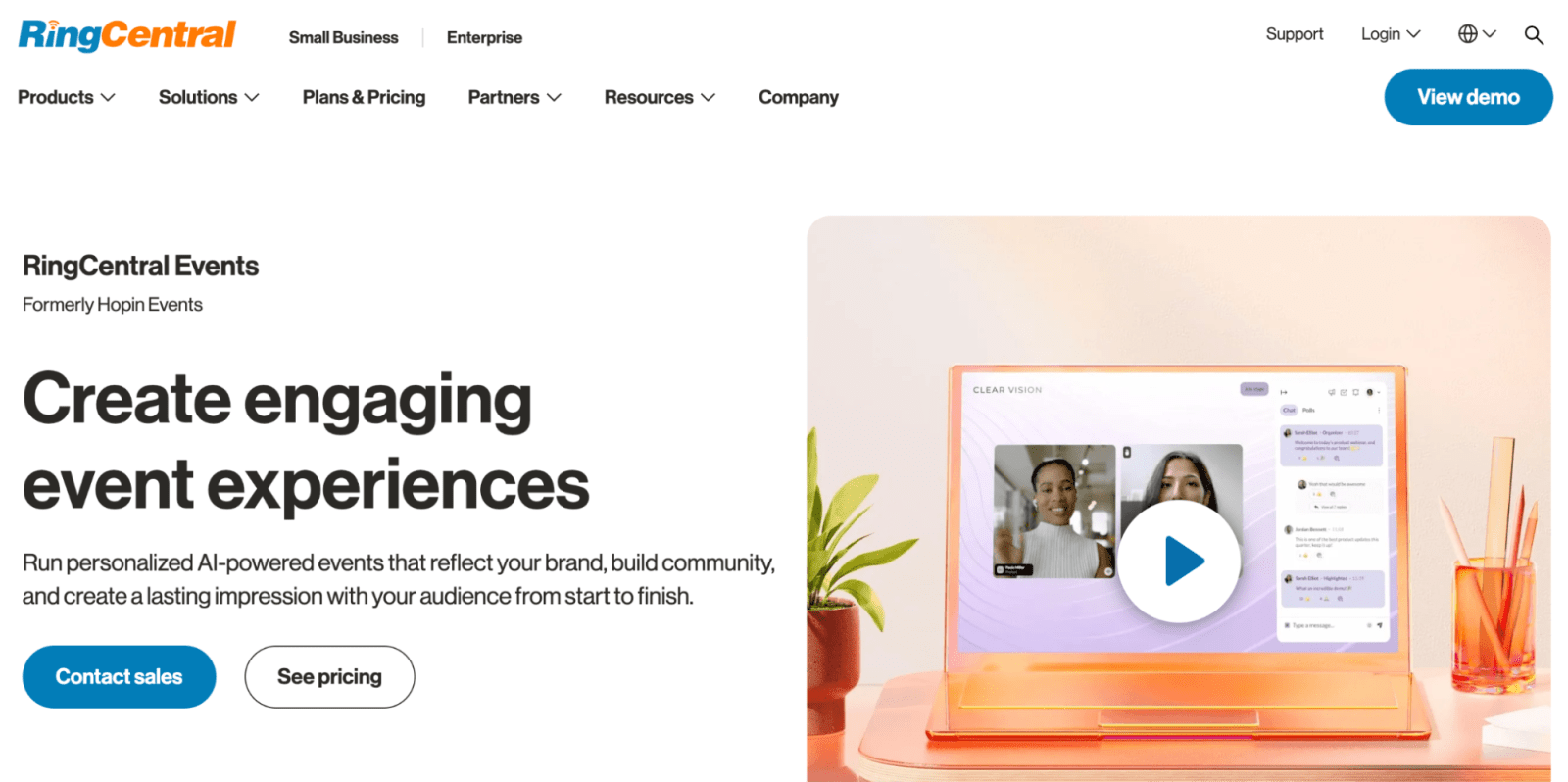
RingCentral Events (formerly Hopin) is a Cvent alternative for teams focused on virtual and hybrid event engagement. Although it can support onsite events, it’s best for webinars, virtual conferences, hybrid programs, and online communities where streaming quality, attendee interaction, and digital networking matter most.
The tool includes branded event pages, virtual venues, stages, networking, chat, Q&A, and engagement tools, making it a strong fit for teams that want their online experience to feel more interactive than “please enjoy this endless video call.” 😴
The tradeoff is that RingCentral Events is strongest on the virtual and hybrid side. If your biggest needs are complex onsite logistics, badge printing, room blocks, or deeply customized registration operations, then RingCentral isn’t the best option for you.
Features users love
- Virtual and hybrid event experiences: Build online event spaces with branded pages, virtual venues, stages, sessions, and networking areas.
- Webinar tools: Run lead-gen webinars, workshops, town halls, and internal broadcasts without needing a separate webinar platform.
- Engagement features: Keep attendees involved with chat, Q&A, polls, integrated apps, and interactive session tools.
- AI-powered support: Use AI tools to help with promotional content, social copy, and Q&A management.
| Pros ✅ | Cons ❌ |
| • Strong fit for virtual and hybrid events • Built-in engagement tools for online attendees • Branded event pages and virtual venues help the experience feel more polished | • Less focused on complex onsite logistics • Limited registration logic and customized attendee paths |
What customers say
“RingCentral Events makes hosting virtual and hybrid events simple by combining registration, live streaming, networking, and engagement tools all in one platform. Its intuitive interface and customizable features help create a professional, interactive experience for both hosts and attendees.”
- Jahn M., Operations Manager
"I love the different options and variations that come with RingCentral Events, like the stage options and different rooms. All the features are great, and I feel that every year the features change so much, keeping us on our toes. I think the many features are what I love the most about RingCentral. It makes our work easier, more official, and more efficient, which also makes our job fun. With a large audience from all across the country, RingCentral allows us to move people into different rooms depending on the event. This showcases that we're on top of things, and I think our brand has become much larger because of it.”
- Verified User in Small Business
Use RingCentral Events if:
- You run a lot of virtual or hybrid events.
- Webinars, town halls, workshops, or digital conferences are a major part of your event program.
- Attendee engagement matters more than onsite logistics.
- You want branded online event spaces with networking, chat, Q&A, polls, and session engagement built in.
Pricing:
RingCentral Events uses organizer-based pricing, with three paid packages:
- Events Pro: $99/organizer/month, billed annually
- Events Pro+: $199/organizer/month, billed annually
- Events Enterprise: $299/organizer/month, billed annually
All paid plans include unlimited events and registrations. There’s also a 30-day free trial that includes 10 organizers and up to 1,000 registrations.
So, which Cvent alternative is right for you?
Every platform on this list has a real use case, and that’s the annoying-but-true answer!
If you’re running public workshops, community events, or simple ticketed gatherings, Eventbrite may be all you need.
If you want polished, brand-forward events and your registration rules are not wildly complex, Bizzabo is worth a look.
If you run repeatable in-person conferences with lots of logistics, badge printing, exhibitors, and onsite workflows, Stova may make sense.
But if you’re managing a real, dynamic event program—multiple events, different audiences, pressure to prove ROI, registration complexity, CRM data, onsite needs, and a team that does not have six months to become software gurus—Swoogo is built for just that.
Flexible without being chaotic. Powerful without being punishing. Predictable without making you do per-registration math on a napkin at 11 p.m.
Want to see how Swoogo compares to Cvent in real life? Book a demo and bring us your weirdest registration flow. We live for that stuff.