
Your biggest customer walks into your conference. They wait in the general admission line for fifteen minutes. Their badge has last year's job title. They wander into the expo hall alone.
Their account executive finds out they were there from a LinkedIn post the next day.
In short: you avoid this by treating VIPs as their own track from the first click. Give them a hidden registration path that collects what your team needs to know. Send them to a fast-track lane with someone who greets them by name. And set up check-in alerts, so the right person hears the moment a VIP scans in, whether they're in the building or back at the office.
That first impression is one you don't get back. Here's how to make sure it never happens, following the VIP from invitation to follow-up.
First, agree on who's actually a VIP
A VIP program falls apart when marketing, sales, and events each have a different list. Settle it early. Most lists include:
- Top customers and target accounts, the people sales most wants to see
- Keynote and featured speakers, because your stage depends on them
- Sponsors, who paid to be there and expect to be treated like it
- Executives and board members, yours or a partner's
- Press and analysts, since what they experience is what they write about
Then give every name an owner. That owner matters later.
Weeks before: give them their own way to register
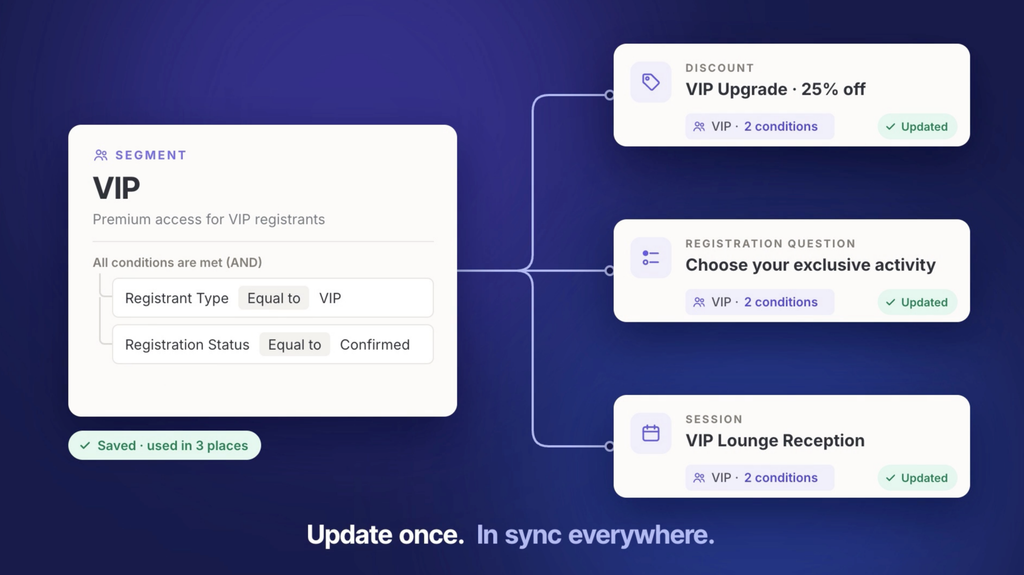
VIP care starts at registration, not at the door. A hidden ticket type that only invited guests can reach keeps the experience exclusive, and lets you ask questions general attendees never see:
- Dietary needs
- Arrival time
- Whether they're bringing a guest
- Which sessions they plan to attend, so someone can meet them there
Attach the perks to the ticket type itself. The executive dinner invitation and the VIP badge come with the registration, so nobody has to remember to add them later. Share the path with a unique link or an access code.
At the door: a lane with someone who knows their name
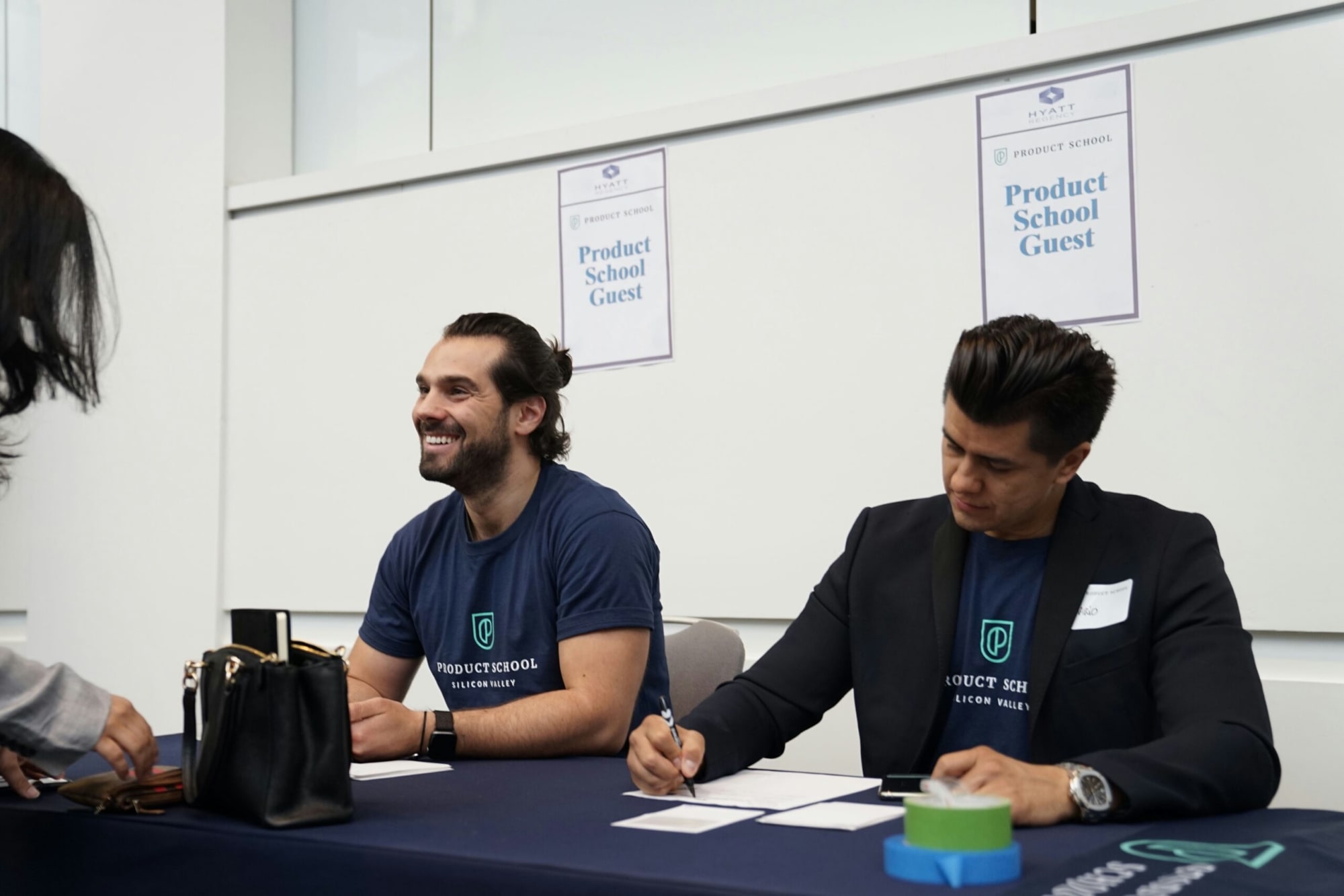
Keep your most important guests out of the main line. Set up a fast-track lane for VIPs, speakers, and sponsors, staffed by people who know who's coming. Put one person at that desk whose whole job is greeting guests by name.
A self-service kiosk at that desk helps too. VIPs can confirm their details, fix a job title, and print their badge in under a minute, without a crowd watching.
The rest of the door setup is covered in how to check in attendees quickly.
The moment they scan in, the right person should know
A fast lane only helps if the right people know a VIP has arrived. Most teams hand a front-desk volunteer a list of names and hope for the best. On a busy morning, that list gets ignored.
Instead, set alerts that fire on check-in and route each one to the VIP's owner:
| VIP | Who gets the alert | What they do next |
|---|---|---|
| Top customer | Their account executive | Walks over to say hello |
| Keynote speaker | Stage manager | Brings them to the green room |
| Sponsor | Sponsor success lead | Walks them to their booth |
| Analyst or press | Comms lead | Confirms interview times |
| Board member | Executive host | Greets them personally |
Done right, someone is walking over with a handshake while the badge is still printing.
Back at the office, sales should see it too
That alert shouldn't stop at the people in the building. Push check-ins into your CRM, and sales leaders working remotely can see which key accounts are on site and nudge reps to go find them.
Reps can also see which sessions the account attends. That turns the follow-up call from "great to see you" into a conversation with a real starting point.
Now, rewind the opening scene
Same customer, same conference, with all of this in place.
She registered through a private link two weeks ago and mentioned she'd arrive around 8:40. At 8:42 she skips the main line, updates her title at the VIP kiosk, and gets a printed badge. Her account executive gets an alert and meets her at the desk by 8:45. Her regional director sees the check-in from the office.
She spends the afternoon in the session on event data. The next morning's follow-up email references it. Nobody learned she was there from LinkedIn.
Setting this up in Swoogo
Swoogo's conditional registration builds the hidden VIP path inside the same event (the how-to is in Conditional Logic 101), and custom fields collect every detail up front.
At the event, the Go Onsite app runs check-in, with a kiosk mode for your VIP desk. Go Onsite Pro adds planner alerts, so the right person hears about it the second a VIP scans in.
Check-ins also sync to Salesforce, HubSpot, or Marketo, so the whole team stays in the loop. See all Swoogo integrations, or book a demo.
You made it to the end
Now let's talk about your events.
See how Swoogo handles registration, websites, onsite check-in, and reporting — all in one place. 30 minutes, your event, your questions.
Frequently Asked Questions (FAQs)
How do you manage VIPs at an event?
Give them a separate registration path, a fast-track check-in lane, and a named owner on your team who gets an alert when they arrive.
How do you make registration invite-only?
Use a hidden ticket type or conditional registration path that only invited guests can reach, usually through a unique link or access code.
How do sales teams know when a key account arrives?
Check-in alerts notify the account owner, and a CRM sync lets remote managers see on-site accounts too.