

Fast check-in comes from three things: a smarter flow, a cleaner layout, and tech that does the heavy lifting. Use registration data to staff for the crowd you're actually expecting. Split lines by attendee type, print badges on demand instead of the night before, and let attendees scan themselves in at self-service kiosks. Then watch a live dashboard so you can open another station before a rush turns into a backup.
When check-in drags, everything behind it drags too. Your opening session starts late. Sponsors notice the line before they notice their booth. And attendees start the day annoyed before they've heard a single word from your stage.
The good news is that slow check-in is very fixable. Most of the fix happens before anyone arrives.
Why does event check-in take so long?
Check-in usually slows down because one line, one process, and one stack of pre-printed badges are trying to serve every kind of attendee at once.
The usual culprits:
- One line for everyone. Pre-registered attendees wait behind walk-ins who still need to fill out a form.
- Hunting for badges. Staff dig through alphabetized boxes for a name that may be spelled wrong.
- Reprints. Job titles changed, companies changed, and the badge from last night is already out of date.
- Not enough stations at peak. Arrivals bunch up in the 30 minutes before the opener, but staffing assumes a steady trickle.
- Shaky venue Wi-Fi. If your check-in app needs a connection to function, one weak signal stops the whole door.
Each one is small. Together they turn a lobby into a queue.
How should you plan check-in before the event?
Use your registration data to predict headcount, map your lines, and staff for the crowd you're actually hosting.
Your registration data already tells you how many people are coming, who they are, and how many are VIPs, speakers, or sponsors. Use it.
A 500-person summit doesn't need the same setup as a 5,000-person expo. Planning for the right one saves you a lot of pain at the door.
Before event day, answer these questions:
- How many people are registered, and roughly what share do you expect to show up?
- When will most of them arrive? (Usually right before your first session.)
- How many walk-ins do you expect?
- Which groups need their own path? Think VIPs, speakers, sponsors, and press.
- Where's the bottleneck in the venue? Elevators, a single entrance, or a narrow hallway all matter.
How do you set up check-in lines?
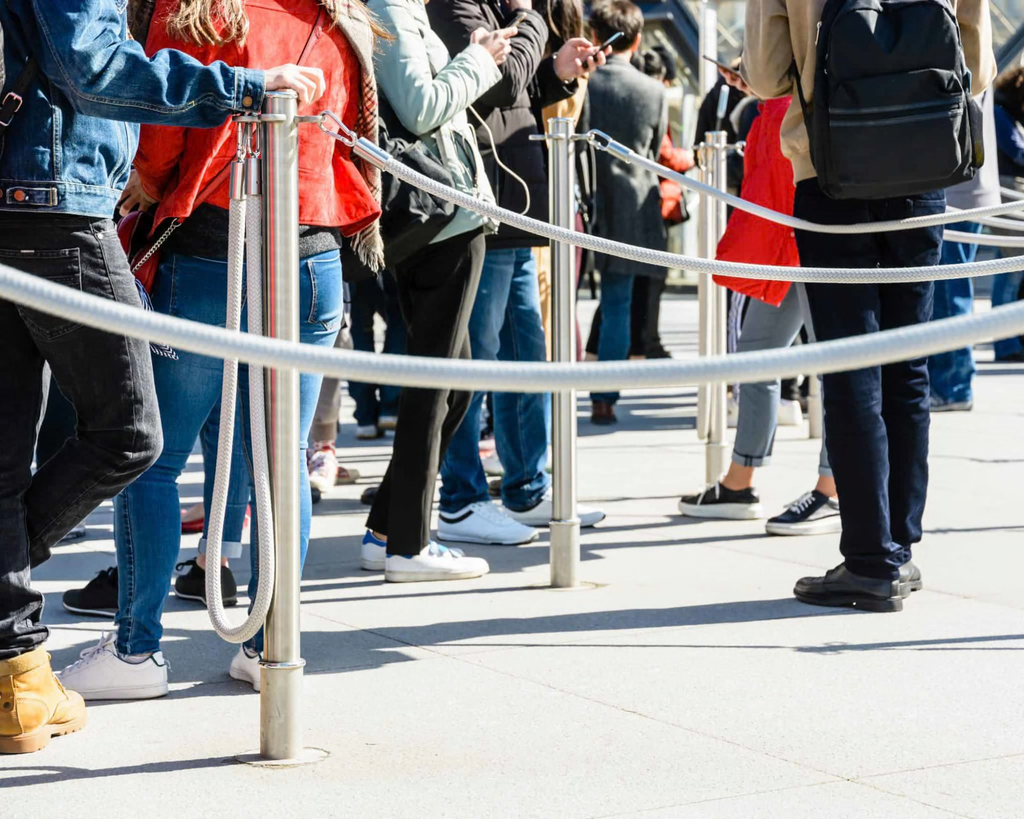
Split your traffic, because one line for everyone slows everyone down.
A simple three-lane setup covers most events:
| Lane | Who it's for | What happens there |
|---|---|---|
| Scan-and-go | Pre-registered attendees | Scan a QR code, grab a printed badge, walk in |
| Walk-in | People who didn't register | Register on the spot without holding up the main line |
| Fast track | VIPs, speakers, sponsors | A staffed desk with someone who knows who's coming |
One more trick: put a friendly face a few steps ahead of the lines. That greeter points people to the right lane before they get confused and join the wrong one.
Give VIPs their own way in
Your most important guests shouldn't stand in general admission. A fast-track lane, staffed by people who know who's coming, makes them feel expected from the moment they arrive.
For the full playbook, see how to make sure you never miss a VIP.
Should you pre-print badges or print them on demand?
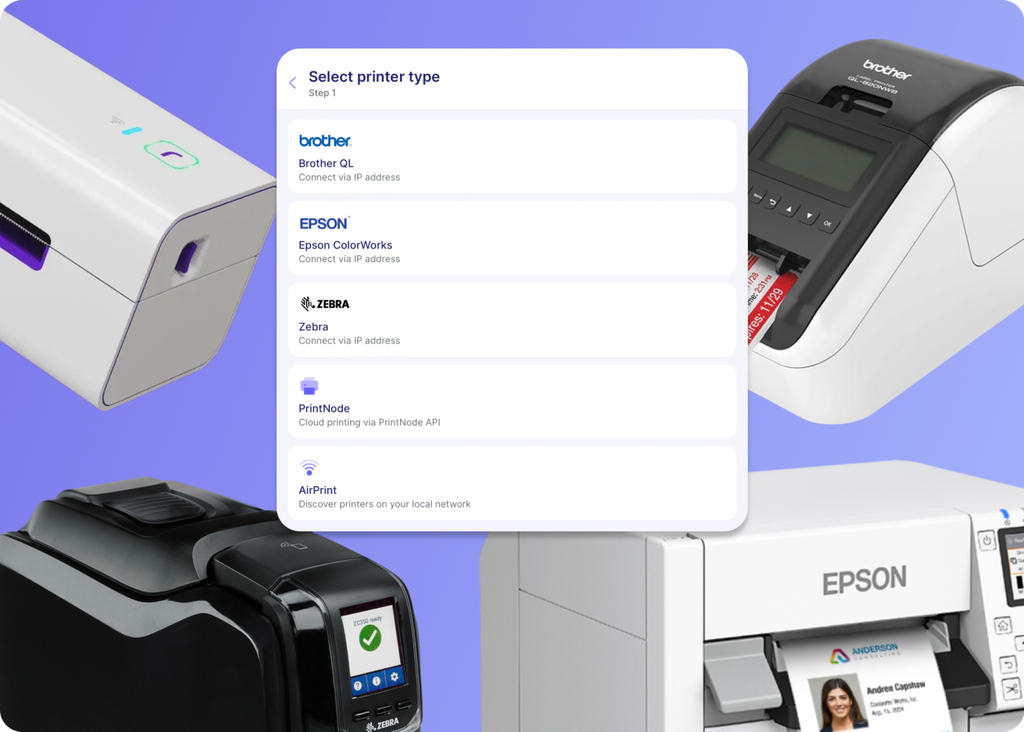
Print on demand. Each badge prints only when its owner shows up, so you skip misspellings, outdated titles, and stacks of badges nobody claims.
Pre-printing a few thousand badges the night before feels productive. In practice:
- Names get spelled wrong.
- People change companies and job titles.
- A chunk of registrants never show.
You end up with boxes of useless lanyards and a reprint line in the morning.
On-demand badge printing fixes all three. The badge reflects the attendee's details at the moment they check in. If they need to fix something, they fix it before it prints. Our event badges guide covers design and layout.
Do self check-in kiosks actually speed things up?
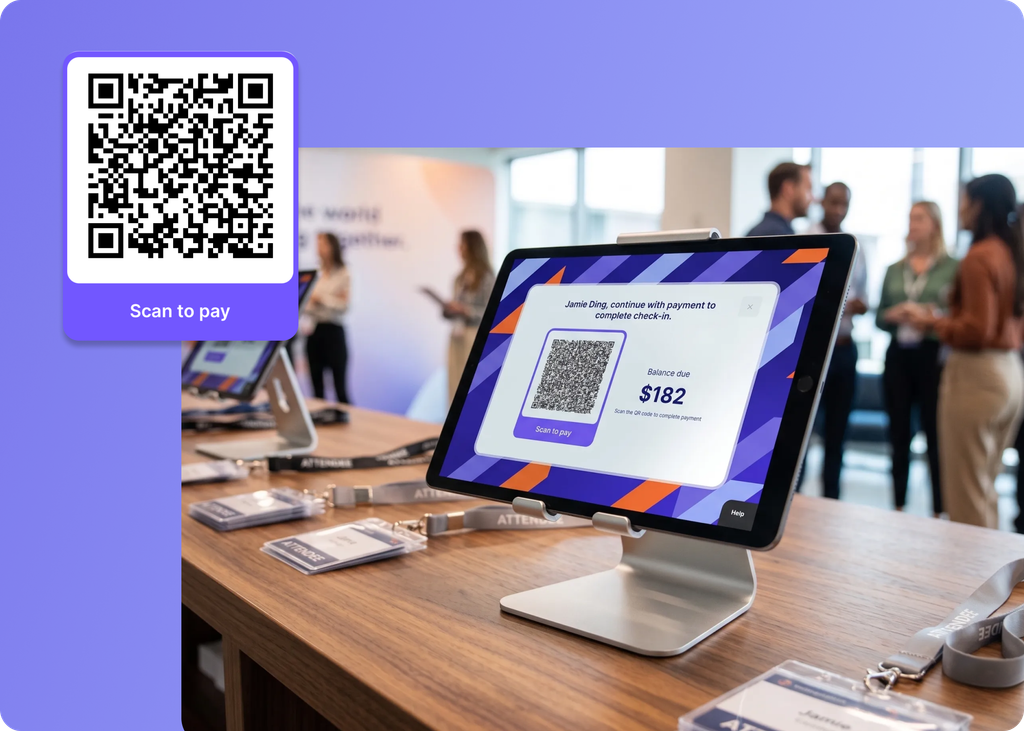
Yes. A kiosk lets attendees scan their own QR code and walk away with a badge in seconds, which frees staff for the people who need help.
Think of kiosks as extra lanes that don't need a person behind each one. Attendees who registered in advance just scan and go. Your staff can then focus on walk-ins, questions, and VIPs.
A few tips for kiosk setup:
- Put clear signage above each kiosk: "Registered? Scan your QR code here."
- Send the QR code in the confirmation email and a reminder email the day before.
- Keep one staff member floating between kiosks to help anyone who gets stuck.
- Brand the kiosk screen so it feels like part of your event, not a generic tablet.
How do you keep check-in moving during the rush?
Assign one person to watch a live dashboard for slow stations, so they can open another kiosk before a rush becomes a backup.
Check-in isn't set-and-forget. It's the first thing to monitor on event day, because one lane will bunch up even with good planning. Someone should own the door and watch:
- Check-ins per station
- How fast the overall line is moving
- Which lane has the longest wait
When one lane slows down, open a backup kiosk, move a staffer, or send the greeter to redirect people.
Worked example
Say you're running a 2,000-person conference with a 9:00 a.m. keynote. Most attendees will arrive between 8:15 and 8:50.
- You set up six self-service kiosks for pre-registered attendees, two staffed desks for walk-ins, and one VIP desk.
- At 8:30, your door lead sees kiosk lanes moving fast but walk-ins backing up.
- She moves a floating staffer to help walk-ins register and opens a backup kiosk near the entrance.
- The line clears by 8:50, and the keynote starts on time.
That's the whole job: spot the slow lane early, then fix it before it spreads.
How does Swoogo speed up event check-in?
Swoogo's Go Onsite app and Go Box turn a tablet into a branded self-check-in kiosk that prints badges on demand, works offline, and syncs check-ins to your CRM.
Here's how it fits together:
- Go Onsite runs check-in on event day. Set it up, and your staff can scan attendees in. See the Go Onsite and Go Attend apps.
- Self-check-in kiosks let attendees scan their own QR code and walk away with a freshly printed badge in seconds.
- Walk-in registration happens right at the kiosk, without backing up your main line.
- Offline check-in means a shaky venue Wi-Fi connection won't bring the door to a halt.
- CRM sync sends check-in data straight to your CRM through Swoogo's integrations, so your team knows the moment a key account walks in. Here's how to track who actually showed up.
- The Go Box packs the hardware you need so it fits right in the van. See everything in Swoogo's onsite solutions.
Book a demo to see Go Onsite in action.
Frequently Asked Questions (FAQs)
How do you check in attendees quickly at an event?
Split traffic into separate lanes for pre-registered guests, walk-ins, and VIPs. Print badges on demand, use self-service kiosks, and watch a live dashboard so you can add stations during the rush.
Is it better to pre-print event badges?
Usually not. Pre-printed badges lead to misspellings, outdated job titles, and wasted badges for no-shows. On-demand printing creates each badge only when the attendee arrives.
What is a self check-in kiosk for events?
A tablet or station where attendees scan their own QR code, confirm their details, and print their badge without waiting for staff.
What happens to check-in if the venue Wi-Fi goes down?
It depends on your app. Choose a check-in app that works offline so scanning keeps going when the connection drops.
How many check-in stations do I need?
Base it on your registration numbers and your peak arrival window, not total headcount. Plan for a backup station you can open during the rush.