

There's a moment at every event where everything either clicks or it doesn’t. Doors open, energy builds, attendees move from check-in to their seats without a single snag.
We’ve been obsessing over that moment.
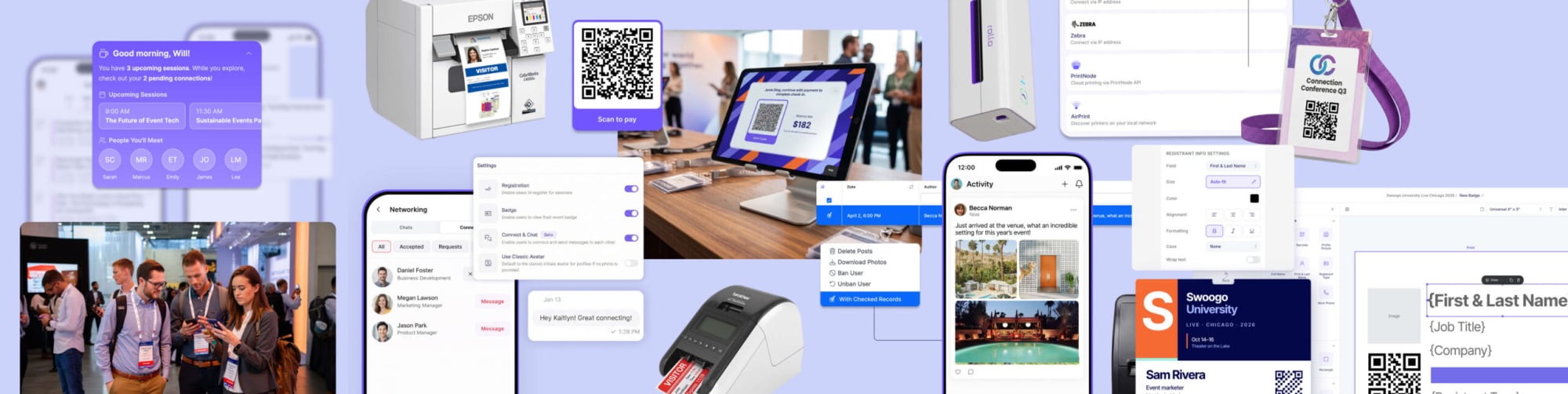
That’s why this year, we went deep on every layer of the onsite event experience. From easier-than-ever badge printing and expanded hardware, to richer attendee features and personalization, here's what's new in Swoogo in 2026.
(And yes, we’ve got more coming down the pike. 😤)
For all Swoogo customers
The right badge, for the right person, every time
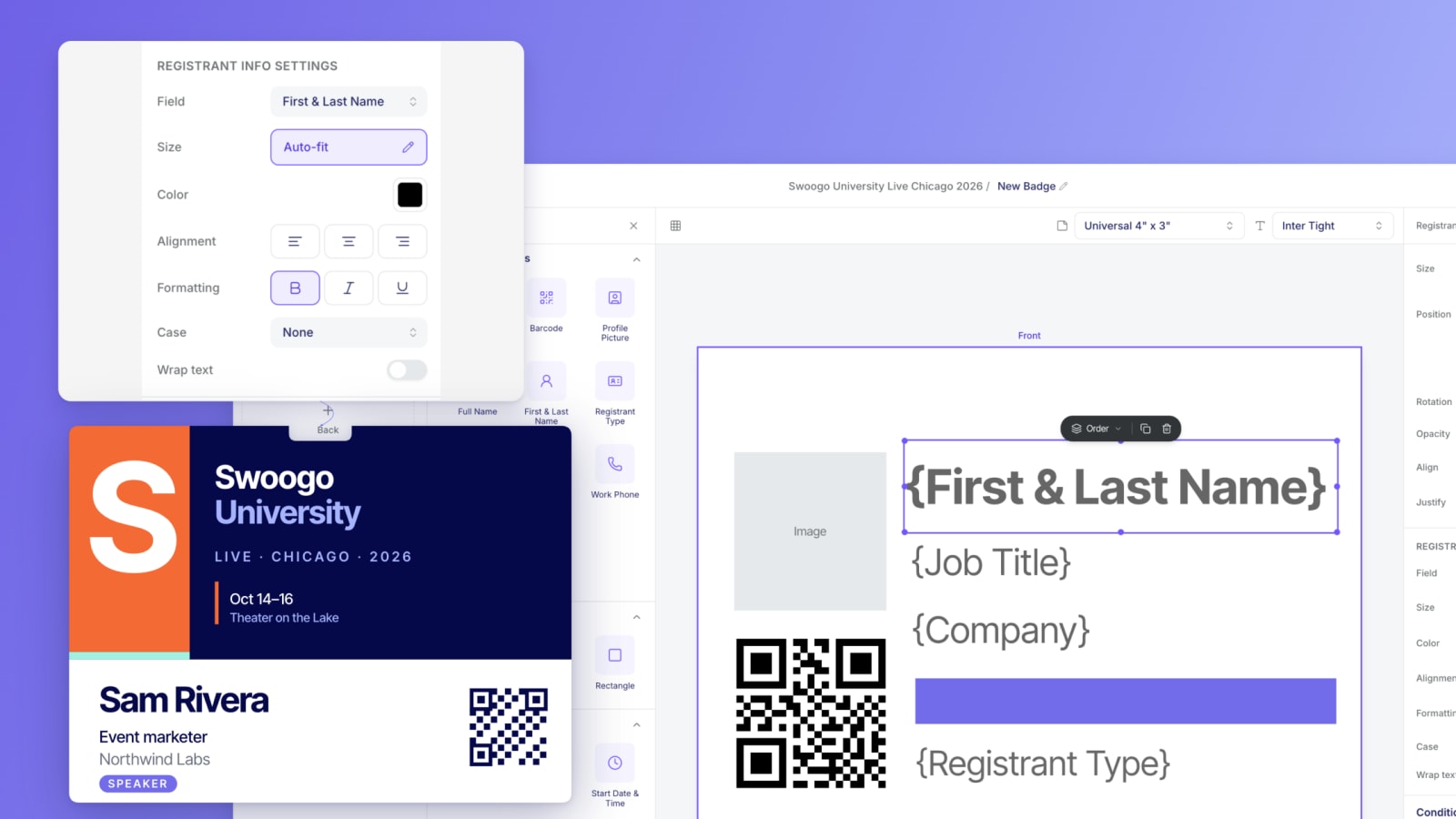
Badge design used to be one of those tasks that took longer than it should. Not anymore. The new Badge Designer is drag-and-drop with all the quality-of-life features you've been quietly hoping for: auto-align, layer reordering, zoom, and finally, an undo button. Design single- or double-sided badges that look exactly like you pictured them, without the back-and-forth.
But oh, it gets better: you can now dynamically assign a custom badge design to each registrant type. Sponsors get their badge. Speakers get theirs. Customers, prospects, VIPs, each gets a design built for them. Set it up once in Go Onsite (our check-in app for admins), and when someone checks in, the right badge prints automatically. No one's manually selecting anything at the door. No stress.
More printers, more power
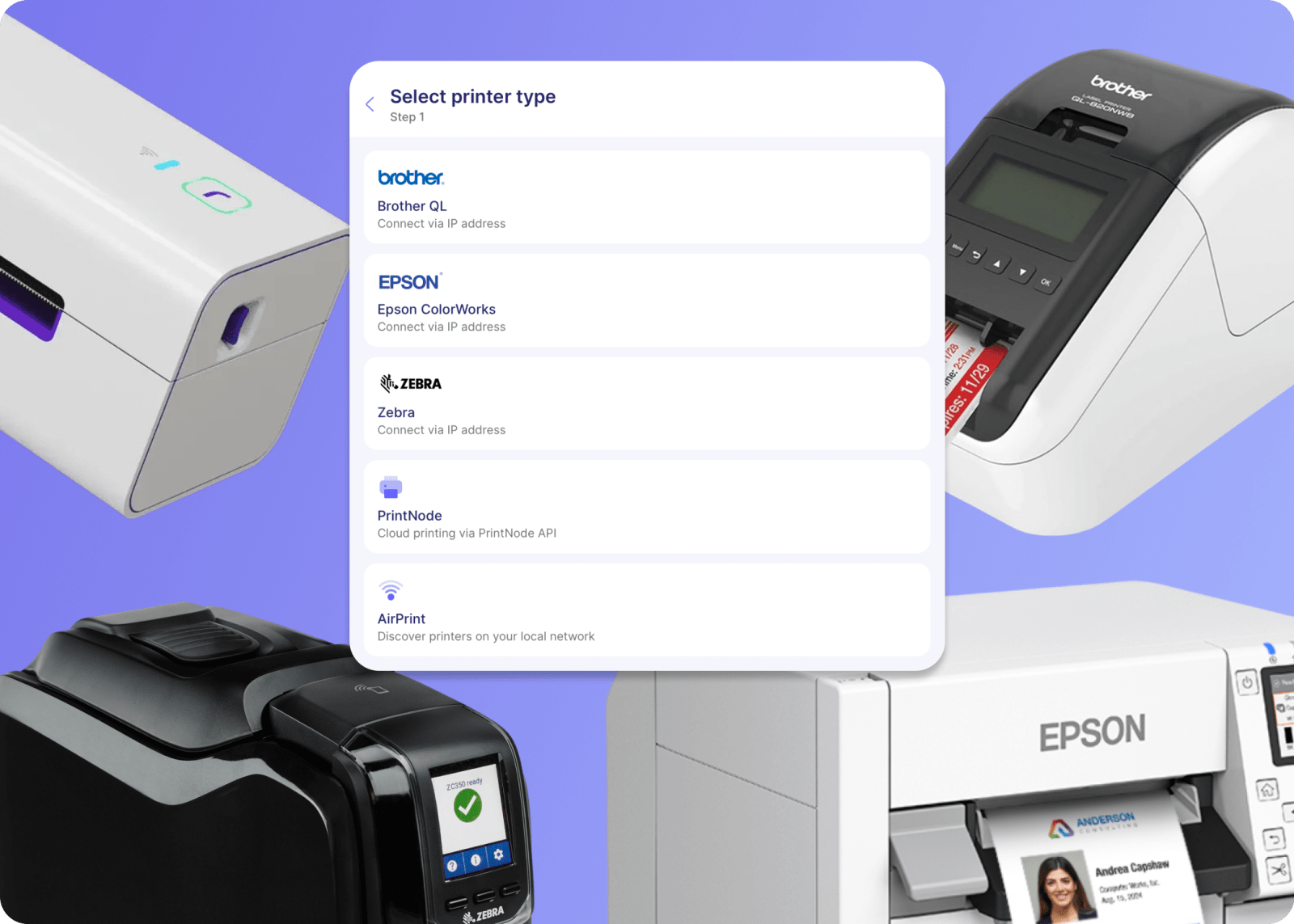
Go Onsite now supports Epson, Zebra, and PrintNode, alongside existing AirPrint compatibility. Which means however you want to badge your event, we've got you covered.
Want rigid, firm badges printed on-demand for a high-end conference feel? Done. Fan-fold thermal prints flying out at speed for a crowd of thousands? Easy. Want to print a quick label to stick on a pre-printed badge you already love? That works too.
Whether you need high-speed thermal printing for thousands of attendees or vibrant full-color labels for a premium experience, badge bliss awaits.
A new dedicated printer settings area lets you configure your printer and save it to the device, so nobody’s re-doing setup every time someone grabs a tablet. Less fussing, more hosting.
Compatible printers include Zebra ZD620/621, Zebra ZC10L, Epson CW c4000U, Brother QL-1110NWB, Brother QL-820NWB, and Rollo Wireless.
Want to learn more about our mobile apps?
Premium features
Go Onsite Pro: Collect payments onsite
Walk-ins happen, balances go unpaid. It’s just the reality of live events. Now you can handle both without chasing anyone down.
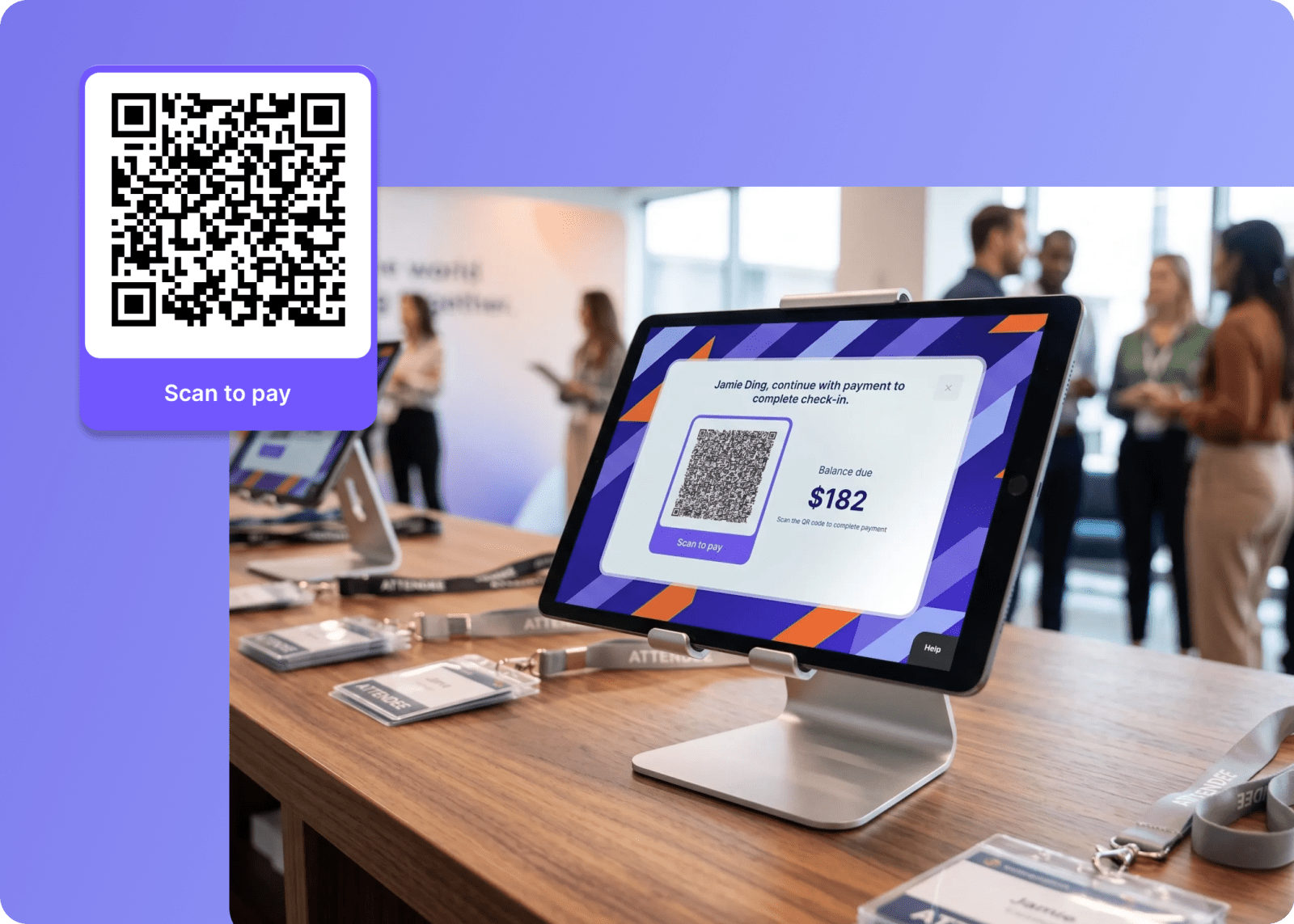
Go Onsite Pro now supports payment processing via Stripe, so you can accept registrations at the door and collect outstanding balances right at check-in. The attendee experience is seamless too: they visit the kiosk, scan a QR code on their own device, and complete a secure Stripe checkout. Fast and easy (and no awkward convos about who still owes money).
Go Attend: Intentional networking with Connect + Chat
We rebuilt our attendee mobile app, Go Attend, from the ground up last year. This year, we’re leveling it up in every way.
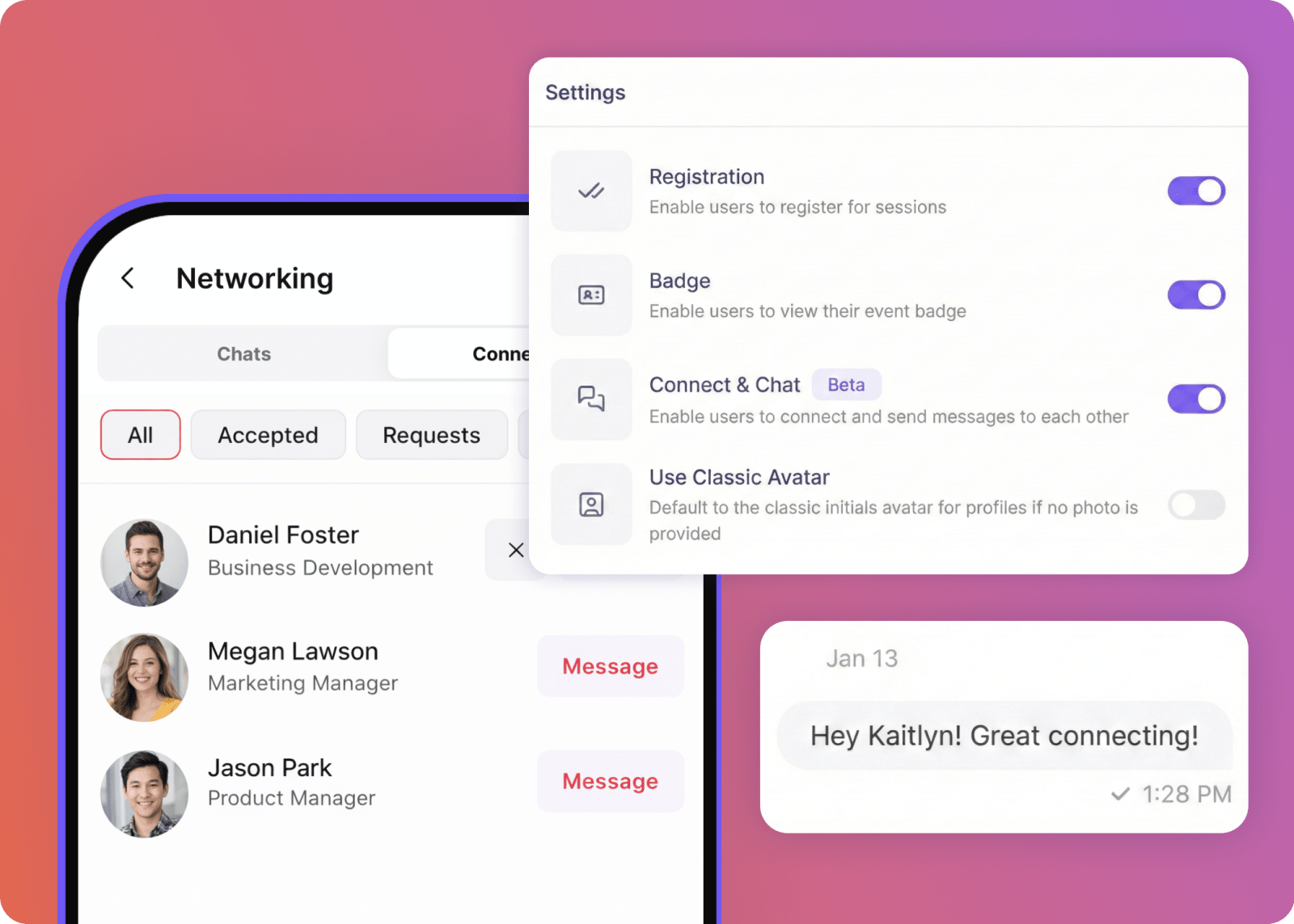
The new Connect + Chat feature, for instance, gives attendees a way to actually network, not just collect LinkedIn connections they'll forget about. They can browse the attendee directory, send connection requests, and start chatting without ever leaving the app.
For those who might want to stay under the radar (like speakers and VIPs), no problem. Attendees stay in control of their privacy. They choose whether they appear in the directory at all, and who can message them. That means the experience feels comfortable for everyone, not just the extroverts.
Go Attend: Fire up attendee engagement with the Activity Feed
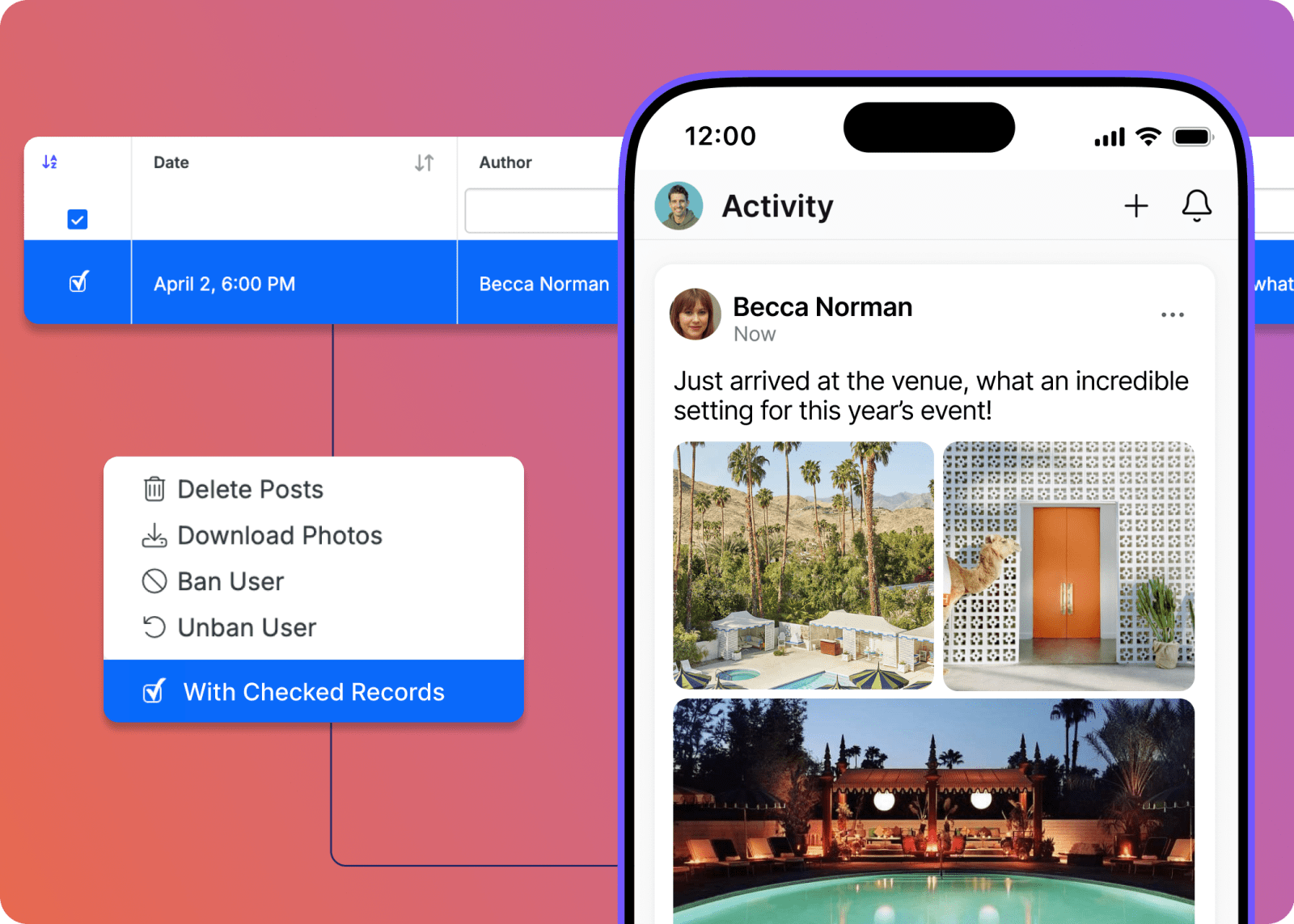
Give your attendees somewhere to put all that energy. The Activity Feed lets them post photos, react to moments, and connect with each other as the event unfolds in real time, right in the app.
For organizers, this gives you a live read on what’s really landing, what people are excited about, and a source of authentic, attendee-generated content you can actually use. After your event wraps, bulk download the full event gallery and hand your marketing team a ready-to-use library of real moments. Adios, stock photos.
Go Attend: Finally, your Custom Font
Your event has a visual identity, and your app should reflect it. You can now upload a custom font to Go Attend, so the experience feels like your event from the moment someone opens it, not a generic app with your logo dropped in. Your design team will appreciate it. Your attendees probably won't notice, which means it's working exactly the way it should.
Go Attend: Personalized Elements are here
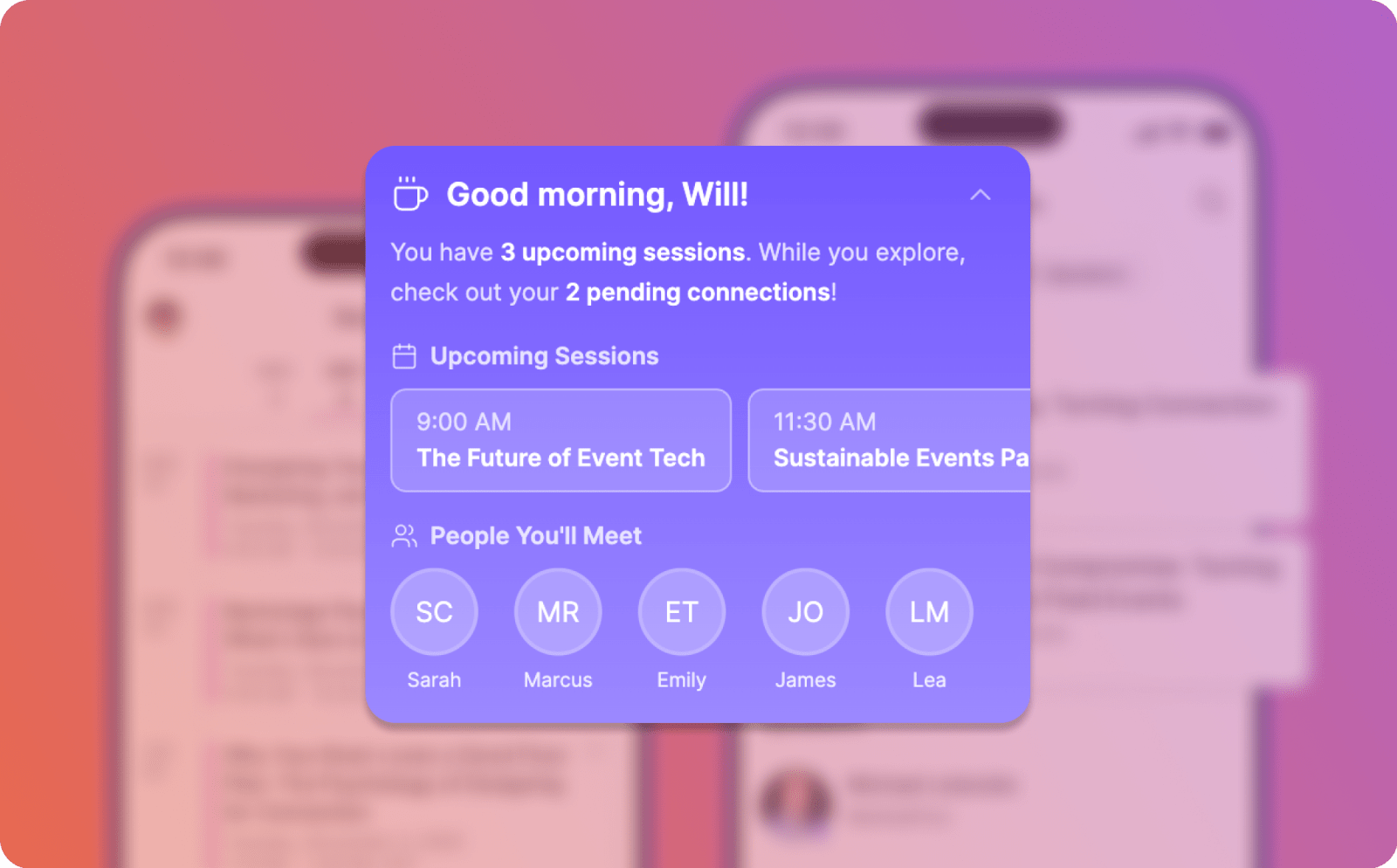
Go Attend's home screen just got a lot more personal. Two new elements let you tailor what each attendee sees the moment they open the app.
Welcome them by name with a greeting card that surfaces their upcoming sessions and who they'll be in the room with. Or surface a live "Happening Now" view so attendees always know what's going on at the moment, and which sessions are up next. Each includes speaker and room details so it's easy to jump in on something that catches their eye.
The big picture of your onsite event experience
The best onsite event experiences feel effortless—for attendees and for the teams making it happen. Faster setup, smarter automation, richer connections, and content that keeps working after the event ends.
However you’re leveling up in 2026, Swoogo is ready to meet you there.
Ready to take your events to the next level? Let’s chat!