

If you’re here, chances are you just got tasked with “finding an event planning solution that meets all of our needs.” Or, your current event planning software sends you into a doom spiral at least once per week, and you just need out.
This guide is here to help. We break down the top event planning platforms on the market, what they’re actually good at, where they fall down, and which teams they make happiest.
At the end, you’ll be able to spend less time wrangling tech and more time creating events people actually want to attend. Let’s get into it.
👀 Quick disclaimer: Swoogo is event planning software! That’s exactly why we feel qualified to talk about what makes the best event platform—our team works on this every day. This is our honest take on the types of event programs we support best, and where another event tech might actually be a better fit.
Buying guide: How we rate the tools
To honestly compare each tool, we asked the questions that matter to real teams running real events. 👇
- Ease of use: Can a non-technical marketer build an event without calling for backup? How fast can you spin up a registration site for a small or mid-sized event?
- Customization and branding: How much control do you get over pages, emails, workflows, and registration paths? Does it have drag-and-drop tools, CSS customization, templates?
- Feature depth: Does it offer registration logic, approvals, group reg, onsite check-in, badges, event mobile apps, session engagement, automation? Not just “do you have it?” but “does it hold up once attendees show up?”
- Integrations: Does it connect to the tools you need it to? Think CRM and marketing automation (Salesforce, HubSpot), APIs, Zapier, and payments.
- Scalability: Can you use it to run all your events—from field events to large conferences, whether they’re in-person, hybrid, or virtual?
- Support: When something breaks at 6:42 a.m. on event day, can you talk to an actual human?
- Pricing transparency: Can you predict costs before finance starts asking awkward questions and fees chip away at your ROI?
✨ Bonus ✨ Does it help you create event magic? Meaning, does it have the systems in place so you’re not buried in logistics and can actually focus on delivering an awesome attendee experience?
How to choose the right event planning software
Before you book another demo (or actually swipe that corporate card), take a step back and get clear on what you actually need.
- Clarify your event types and formats: Are these public-facing events or internal summits? Corporate conferences or social experiences? The platform that works for a ticketed workshop won’t necessarily work for a multi-track user conference.
- Estimate your yearly volume and size of events: Enterprise platforms shine at scale, whether that’s a full event program or one massive, multi-track user conference. If you host three small events a year, you probably don’t need the aircraft carrier of event planning software (or the price tag that comes with it 😬).
- Outline your true must-haves: Think CRM integrations, complex registration rules, approvals, abstract management, networking tools, and budget controls. Nice-to-haves are great, but must-haves should drive the decision.
- Factor in team capacity and budget: Some tools assume you have plenty of time, money, and a dedicated platform owner. Others are built for teams that need to move fast without extra hands. Know which camp you’re in before committing!
Event planning software: Comparisons
Truthfully? You can run events on any of these platforms. But your experience using them (and the experience you create for attendees) will look very different.
Here’s a quick comparison before we get into the details of each tool:
| Platform | G2 rating | Best for | Time to implement | Easy to use | Strong customer support | All-in-one tool | Pricing |
| Swoogo | 5/5 | Scaling event teams who need flexibility | 1 month | ✅ | ✅ | ✅ | Flat, predictable |
| Cvent | 4.3/5 | Legacy enterprise orgs | 3 months | ❌ | ✅ | ✅ | Custom quote only |
| Bizzabo | 4.3/5 | Digital-first brand experiences | Not listed | ✅ | ✅ | ✅ | Flat, predictable |
| RainFocus | 4.6/5 | Flagship enterprise events | 3 months | ❌ | ✅ | ✅ | Custom quote only |
| Stova | 4.2/5 | Traditional in-person conferences | 2 months | ✅ | ✅ | ✅ | Flat fee for small events / Per reg + fee for larger |
| Eventbrite | 4.4/5 | Public ticketed events | <1 month | ✅ | ❌ | ❌ | Per ticket fees |
| Whova | 4.8/5 | Event networking apps | 2 months | ✅ | ✅ | ✅ | Custom quote only |
1. Swoogo: Best for teams needing flexibility with a scaling event program
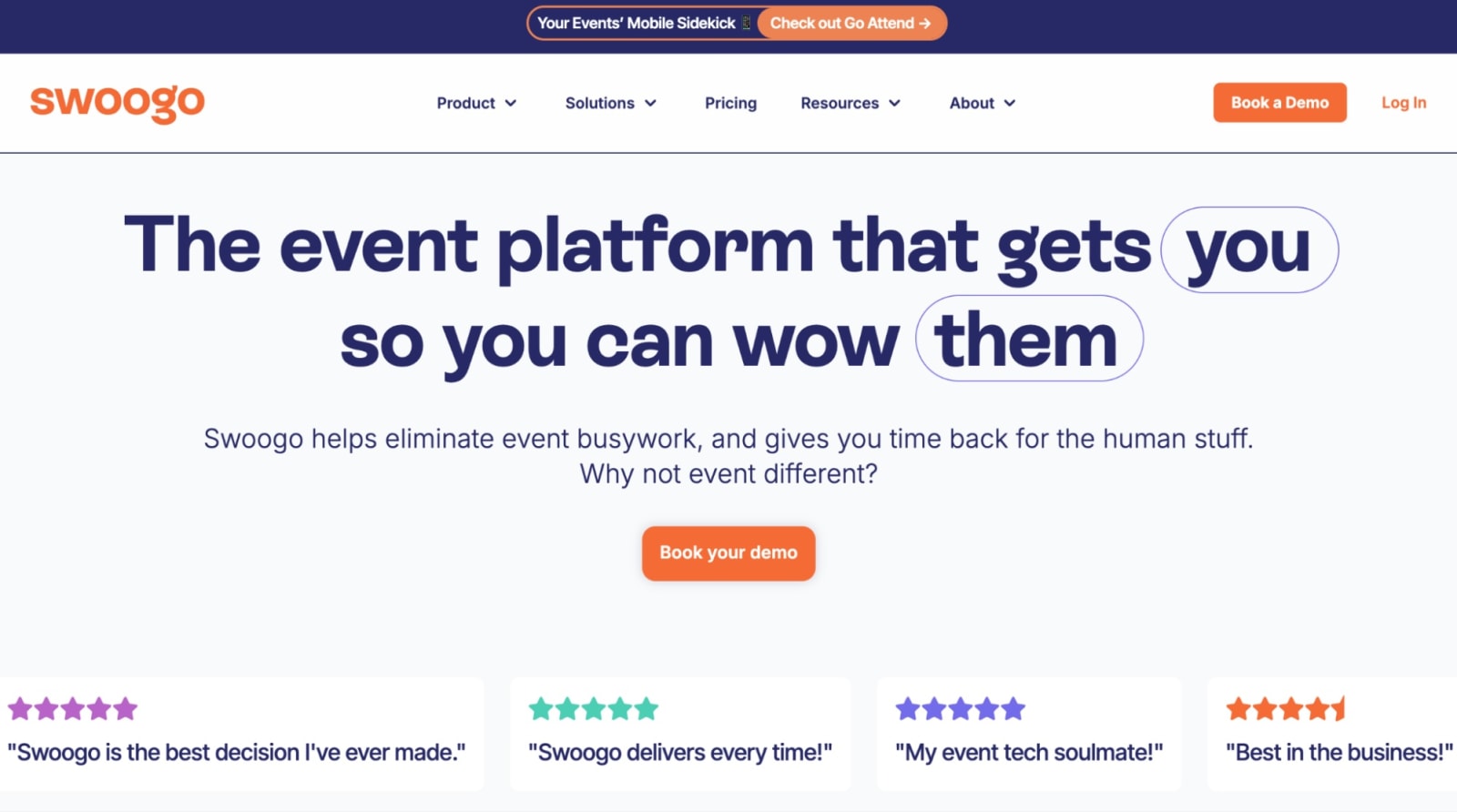
Swoogo is an event planning and registration platform that aims to make it easier for your team to run complex, magical events. It’s designed to be flexible and modular, so you can build anything from field events to multi-track, hybrid conferences—without rebuilding your entire setup every time or getting bogged down by needless busywork.
Swoogo plays nicely with CRMs and marketing tools like Salesforce and HubSpot, gives you full control over branding and registration logic, and doesn’t lock key functionality behind professional services. The result: less duct tape, fewer workarounds, and a platform your whole team can actually use.
Features users love
- Full control over attendee experience: Tailor registration paths, agendas, and communication flows for different audiences without custom development or manual workarounds.
- Easy event set-up flow: With out-of-the-box event themes, drag and drop widgets, quick event duplication, and HTML, CSS, and Javascript capabilities.
- Unlimited events and registrants on flat pricing: User-based pricing means you can scale attendee volume without surprise fees.
- Reliable onsite tools: Get a fast check-in app, mobile attendee app for onsite engagement, on-demand badge printing, and self-service kiosks that work even when Wi-Fi is questionable.
- Strong support: Onboarding, account manager, and an in-house support team for all customers.
| Pros ✅ | Cons ❌ |
|---|---|
| • Flat, user-based pricing • Powerful personalization logic throughout the event experience • Easy to create and clone on-brand events across your program • Clean, connected event data across your entire portfolio | • No native room block management |
What can Swoogo do?
If you’re running multiple events a year, you don’t need more tools. You need one platform that handles registration, marketing, onsite, and reporting without slowing you down. That’s where Swoogo shines.
Event registration that makes life easier (for everyone)
Great events start with great registration. Swoogo gives you full control to build branded, dynamic registration flows with unlimited conditional logic and custom attendee paths.
Ask smarter questions. Automatically route attendees based on their answers. Manage invite lists and waitlists with ease. Tailor pricing by role or audience type. And once you’ve built a flow that works, clone and templatize it for future events—so your team can launch faster without rebuilding from scratch.
Event marketing you can actually scale
Spin up beautiful, branded event sites fast, tweak them to match the moment, and keep everything feeling cohesive across campaigns. Personalize messaging, landing pages, and content for different audiences, so VIPs, partners, and prospects each get an experience that feels intentional.
Automate invitations, reminders, confirmations, and calendar holds once, then let them run. Track engagement, traffic sources, registrations, and conversions in real time, and sync it all to your CRM to connect performance to pipeline. And speaking of metrics…
Data and insights that prove impact
Swoogo gives your events the data backbone they deserve, so decisions aren’t based on gut feel or post-event guesswork.
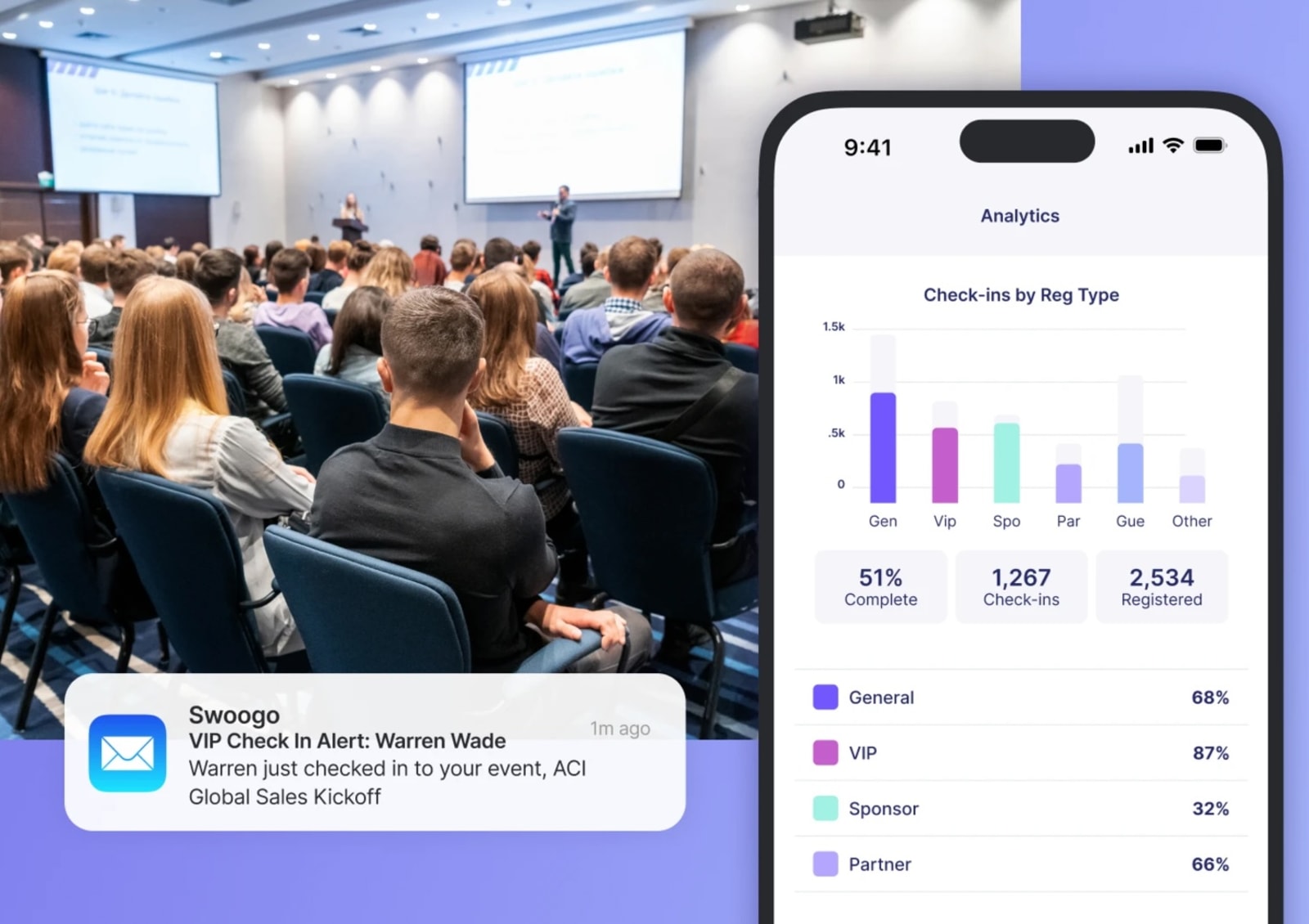
- Real-time CRM-synced check-in data: Sales knows exactly who arrived and when.
- Full attendee journey visibility: Track behavior from first click to final conversion.
- Operational visibility onsite: Get alerts when VIPs arrive and catch bottlenecks early.
- Cross-event reporting: Measure performance year over year and personalize future experiences automatically.
In other words, clear workflows, smarter marketing, and data you can actually use.
What users say about Swoogo
“I really like Swoogo's ability to use conditional logic and visibility settings during registration. Being able to control exactly what different audiences see and when they see it has made it so much easier to build a clean, intentional registration flow. Additionally, their customer service has been stellar. Anytime that I've needed help, I can put in a ticket, and I'm contacted quickly. They follow through until my question is resolved, and are even willing to jump on a call with me to walk through more complex situations. This level of customer service is much better than what I'm used to, and I truly feel like they're a partner in making sure our events are great and that we have a good experience using their product.”
- Sarah J., Vice President of Events
“Before using Swoogo, I used and demoed dozens of other LMS and Event Platforms, including EventMobi, Bizzabo, Memberclicks LMS, Brushfire, and more. Even after switching to Swoogo I've continued to demo other systems, and I haven't seen one that comes anywhere close to what Swoogo offers.”
- Gabe Seavello, Director of Production, Audio Visual Productions
Pricing
Swoogo offers two plans:
- Professional: Flat fee of $11,800 per year for unlimited events and unlimited registrations.
- Enterprise: Everything in Professional, plus advanced enterprise tools, with custom pricing.
There are also optional add-ons—such as additional custom domains, Go Onsite Pro, and a mobile event app—so you can tailor the platform to your specific needs.
Use Swoogo if:
- You run multiple in-person or hybrid events per year.
- You need flexibility without enterprise bloat.
- You care about integrations and clean data.
- You want predictable pricing.
- You need a tool that all your team members can actually use.
2. Cvent: Best for enterprise teams that need a deep feature set
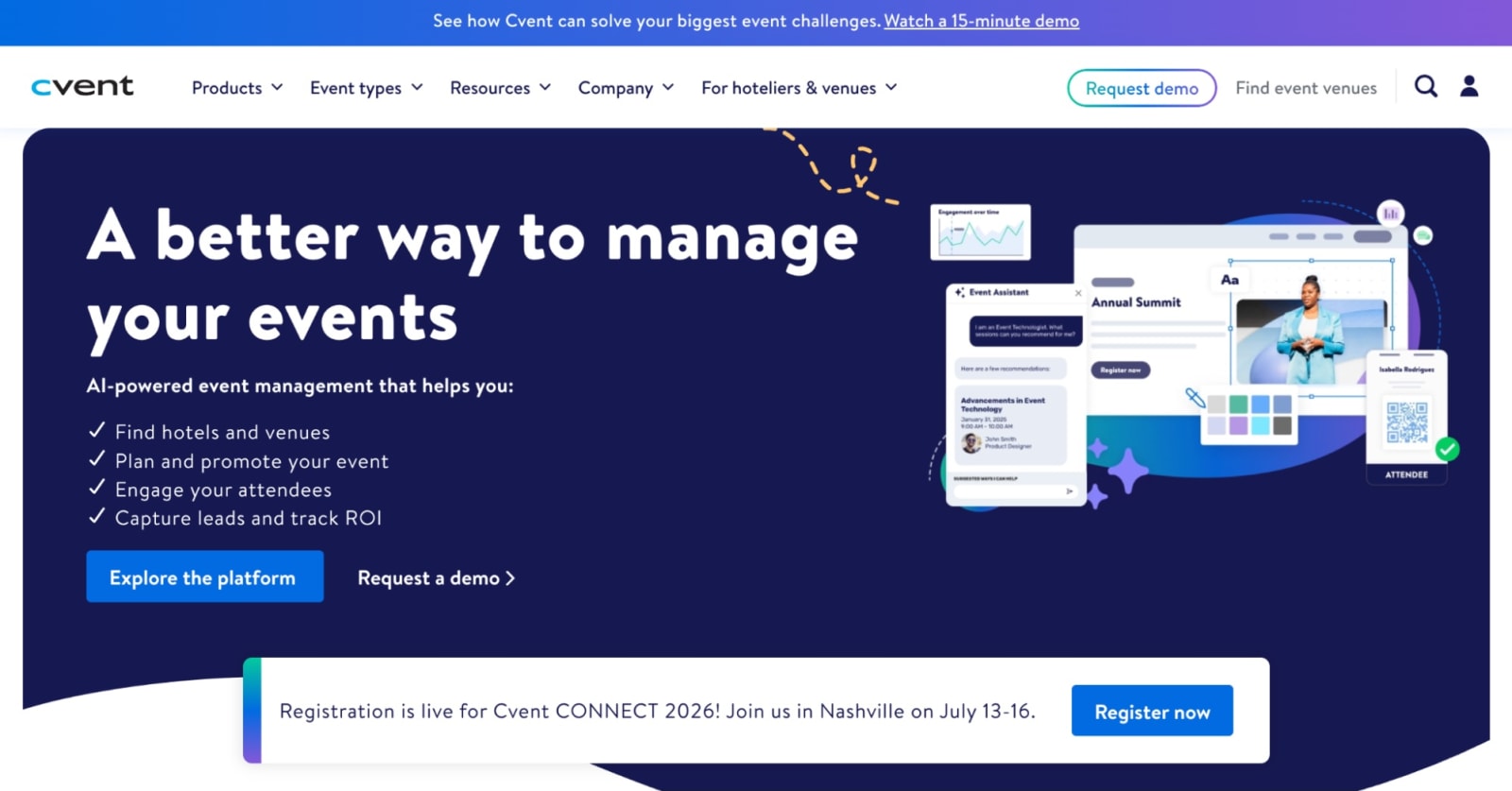
Cvent is one of the most established enterprise event platforms out there, and it’s built like it. The feature set is deep: registration, sourcing, onsite tools, surveys, reporting, and more. For large global organizations running very complex events, that level of depth can be a big plus.
But depth comes with tradeoffs. Setup can take time. If you’re comparing Cvent to Swoogo, average implementation timelines tell the story:
- Cvent: 3 months
- Swoogo: 1 month
With Cvent, configuration isn’t light, and many teams rely on professional services to get everything running smoothly.
TL;DR: Cvent works best when you have the budget, internal resources, and patience to manage a heavyweight platform.
Features users love
- Global scalability: Built to support large, complex, international events with multiple stakeholders and regions.
- CventIQ: AI tools for content creation, attendee recommendations, and automated event insights.
- Supplier network: Access to a global venue-sourcing marketplace with 340,000+ hotels and destinations.
- Advanced reporting and analytics: Detailed cross-event insights for enterprise teams tracking performance at scale.
- Registration builder: Access to a global venue-sourcing marketplace with 340,000+ hotels and destinations.
| Pros ✅ | Cons ❌ |
|---|---|
| • Powerful feature set • Extensive reporting options • 24/7 supportGlobal scalability | • Steep learning curve • Expensive and complex • Limited flexibility with integrations |
What users say about Cvent
“Cvent Event Management is an incredibly efficient platform that streamlines every aspect of event planning. Its comprehensive suite of tools meets all my business needs, from registration to reporting, saving time while improving accuracy. The intuitive interface and reliable customer support make managing events simple, professional, and highly effective every step of the way.
The downsides are the cost - it can be a pricey tool for smaller companies who may not have a large registration software budget, and the fact that the features change quite a bit meaning there can be a learning curve that's often changing when new things are implemented.”
- Allison B., Corporate Events Specialist
“I like that Cvent keeps everything in one place, from registration to promotion to reporting. It makes it easier to manage events and see what’s working without juggling different tools. I’d say the biggest downside is that it can feel a bit complex at first. There’s a learning curve, and some parts aren’t as intuitive as they could be. It can also get pricey depending on the features you need.”
- Karolina R., Director of Communications and Operations
Pricing
Cvent doesn’t publish standard pricing on its website. They offer Professional and Enterprise plans, plus a long list of add-ons and services that are priced separately.
Since pricing is customized, it’s hard to know what you’ll actually pay upfront. But if you browse G2 reviews, cost comes up a lot—“expensive” is one of the most common drawbacks users mention.
Use Cvent if:
- You regularly run large, global, and complex events.
- You have dedicated admins or a budget for professional services.
- Pricing flexibility and usability matter less than having every possible feature.
3. Bizzabo: Best for sleek event presentation
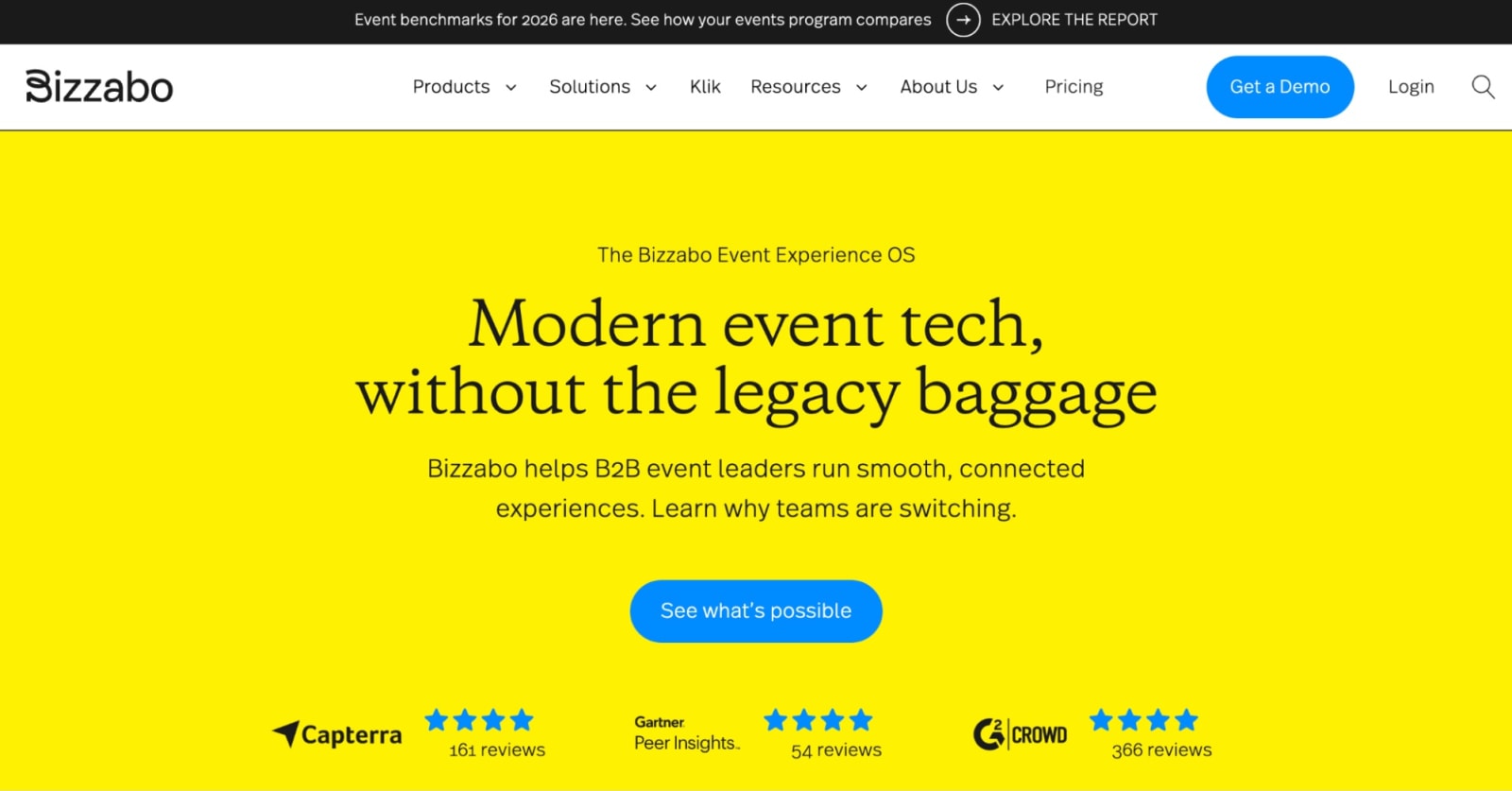
Bizzabo is event planning software that’s built for teams that care deeply about attendee experience and visual polish. It’s known for clean design, modern event websites, and a strong mobile app that makes events feel cohesive and on-brand.
For marketing-owned, high-impact events, Bizzabo can be a strong fit. If you’re comparing Bizzabo to tools like Swoogo, the biggest difference often comes down to flexibility. Bizzabo shines on experience and design, but teams that need complex registration rules or highly customized workflows may find it less adaptable. It’s a powerful platform, but some teams find they need onboarding or professional services to really get everything set up the way they want.
Features users love
- Event websites that look polished.
- Klik SmartBadge: Bluetooth-enabled badges that let attendees connect instantly with a simple tap.
- Room block management: Attendees can book their own hotel rooms while your team tracks inventory and pickup in one place.
- Event marketing tools and analytics: Built-in campaigns and dashboards to track performance.
| Pros ✅ | Cons ❌ |
|---|---|
| • Brand-forward experience • Strong engagement and networking tools • Good for marketing-led event programs | • Limits personalization by capping conditional logic • May require Professional Services help |
What users say about Bizzabo
“I really appreciate how Bizzabo makes event planning simple and efficient with its dedicated templates in the system. It allows me to duplicate or recreate similar events along with the necessary communications, making the setup quicker. This efficiency gives me the ability to put on more events in a shorter timeframe. Another aspect I like is the chat support, which is usually quick to respond compared to other systems I've used. … Also, setting up Bizzabo was pretty straightforward with good training, making it easy for me and my team to use. I think perhaps Bizzabo's dynamic registration could evolve to stay up to date with other systems that are evolving.”
- Madison S.
“I like most how easy it is to work and to create to be our own with Bizzabo. I like that it integrates with our own website, so we could still use our branding. I really enjoy how fast it is for those at Bizzabo to help me with the different tiles for the chat to talk with people. … I think what could be improved is some features that I have to make a person through the chat edit specific things. It would be nice if I could have that feature to do so, so I don't have to rely on somebody to make those mass edits for me.”
- Samantha S.
Pricing
Bizzabo’s Event Experience OS plan starts at $17,999 per year.
Beyond that base plan, certain features—like Klik SmartBadge—require custom quotes. There’s also a list of premium add-ons covering items such as CRM integrations, networking tools, a speaker portal, API access, and advanced branding options.
Use Bizzabo if:
- Attendee experience and visual polish are top priorities.
- You don’t need complex registration logic or workflows.
- You run fewer, high-impact events rather than dozens per year.
4. RainFocus: Best for enterprises that run a few flagship events yearly
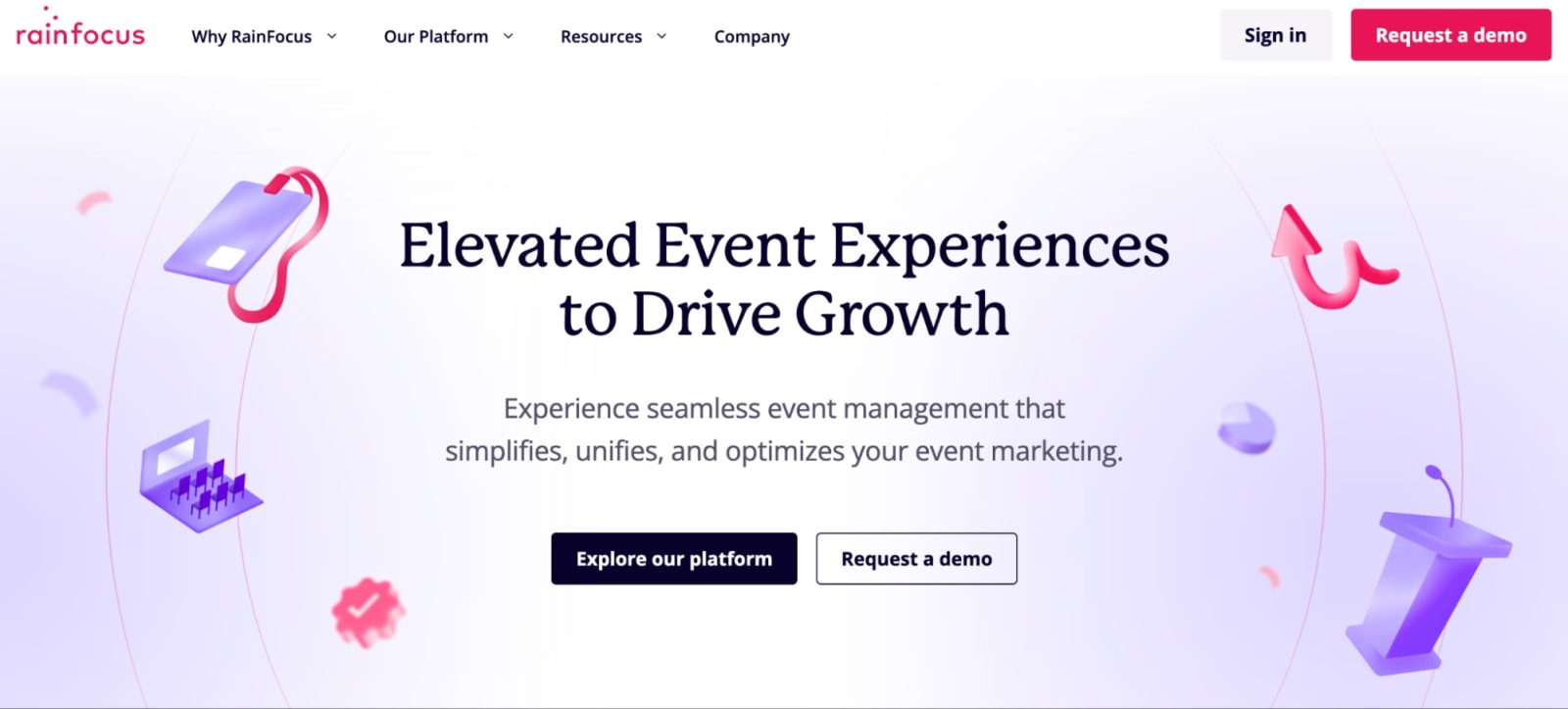
RainFocus is built for large enterprises managing high-stakes, flagship events with complex data and workflow requirements. It’s highly configurable and can support intricate registration paths, deep integrations, and detailed reporting, but that power assumes you have the time and technical resources to configure it.
RainFocus is not a plug-and-play tool; it’s more of a long-term platform investment. Teams that only run a handful of massive events per year often find value here, while teams with high event volume may find that the setup overhead slows them down.
Features users love
- Highly configurable workflows: Supports complex, custom registration paths and data structures for large events.
- Enterprise-grade data management: Designed to manage large volumes of attendee and event data across flagship programs.
- Deep integration capabilities: Built to plug into complex enterprise tech stacks.
- Dedicated customer success teams: Hands-on support and onboarding for large-scale implementations.
| Pros ✅ | Cons ❌ |
|---|---|
| • Strong enterprise support • Powerful customization • Flexible API and integration framework | • Heavy setup • Not DIY-friendly • Limited customization |
What users say about RainFocus
“This is a comprehensive event management platform that covers every aspect you could need. From the essential features available in each module to the straightforward process of connecting integrations and the on-site capabilities, everything is designed to support running a successful event. The training for certification needed work, but glad to hear it's being updated. The RF Help resource center needs to be kept up to date with the constant upgrades and new features of the platform.”
- Clayton S., Systems Manager
“Very helpful staff—always asking for feedback, frequent featured product releases and enhancement priority meetings, friendly account team. Nav is easy to use and back-end is pretty user friendly. I love that I can create attendee specific content to make the portal experience more diverse and ensure the journeys are specific based on attendee type. I would appreciate having more options for custom work that don't involve such lengthy lead times. Additionally, I think RF could benefit from enhancing their QA process.”
- Verified User in Computer Software
Pricing
Rainfocus does not have publicly listed pricing; you’ll have to contact them for a quote. In fact, I couldn’t even find a pricing page! 😯
Use RainFocus if:
- You manage one or two flagship enterprise events with massive scale.
- Your events require deep customization and complex data structures.
- You have the time and technical resources for configuration-heavy tools.
- You expect hands-on onboarding and ongoing enterprise support.
- Speed and DIY setup are less important than platform power.
5. Stova: Best for handling traditional in-person conference logistics
Stova was formed by bringing together a few legacy event tech platforms—MeetingPlay, Aventri, and eventcore—under one umbrella. The result is software that’s designed to handle the operational grind of large, in-person conferences.
Registration, badge printing, onsite check-in, structured attendee workflows—that’s where it’s most comfortable. If your team runs the same big conference year after year and needs the logistics to just work, Stova focuses on keeping everything organized and steady. While it supports hybrid and virtual events, Stova’s strongest footing is still in managing in-person conference logistics.
Features users love
- Registration and payment management: Manage complex ticket types, pricing tiers, discounts, and payment processing across different attendee groups
- Onsite event management tools: Registration, badge printing, and onsite check-in all in one platform
- Exhibitor & sponsor management: Organize booth assignments, sponsorship packages, and exhibitor workflows
- Structured workflows: Set clear registration paths and approval processes to keep large conferences organized
- Multi-language support: Offer registration and event experiences in multiple languages for an international crowd
| Pros ✅ | Cons ❌ |
|---|---|
| • Tier-based pricing with options for smaller events/teams • Enterprise-ready workflows • Well-suited for multi-session events • Strong onsite management tools | • Rigid conditional logic, especially when comparing Stova vs. Swoogo • Users find the interface clunky • Templates and design flexibility are both lacking • Most plans charge per reg on top of the monthly price |
What users say about Stova
“Once you understand it, it is user-friendly and whenever I have questions, customer support is very helpful. There are some clunky things with some of the modules. I think the app could use a revamp and more options (i.e. I would love to be able to change font size and have more flexibility with use).”
- Meg G., Senior Meeting and Event Manager
“My company has been using the Stova platform for a little over 4 years, and we have been consistently satisfied with the product throughout this time. Previously, we used a platform that lacked flexibility and had a support team indifferent to problem-solving. This platform has significantly enabled our organization to fully integrate and collaborate more efficiently, resulting in well-planned events. From the outset, Stova has proven highly user-friendly for our entire company…With any event registration platform, companies often prioritize developing features that may not be relevant to our specific needs. Stova's development focus leans more towards features that we neither currently use nor foresee using, which makes us especially eager for them to enhance the features we do rely on daily.”
- Courtney N., VP of Event Technology
Pricing
Stova offers four product packages at the time of writing:
- Starter: $4,995 flat fee (for small or simpler events)
- Core: $1.995 + per reg starting at $3.00
- Pro: $5,995 + per reg starting at $4.50
- Enterprise: $12,995 + per reg starting at $5.60
Unless you go for the Starter package, the cost will vary widely based on event size.
Use Stova if:
- You mostly manage large, logistics-heavy in-person conferences.
- Your team prefers established, conference-focused platforms.
- You manage repeatable annual events with a consistent format year after year.
- You don’t mind paying per registration on top of a monthly fee.
6. Eventbrite: Best for public, ticketed events
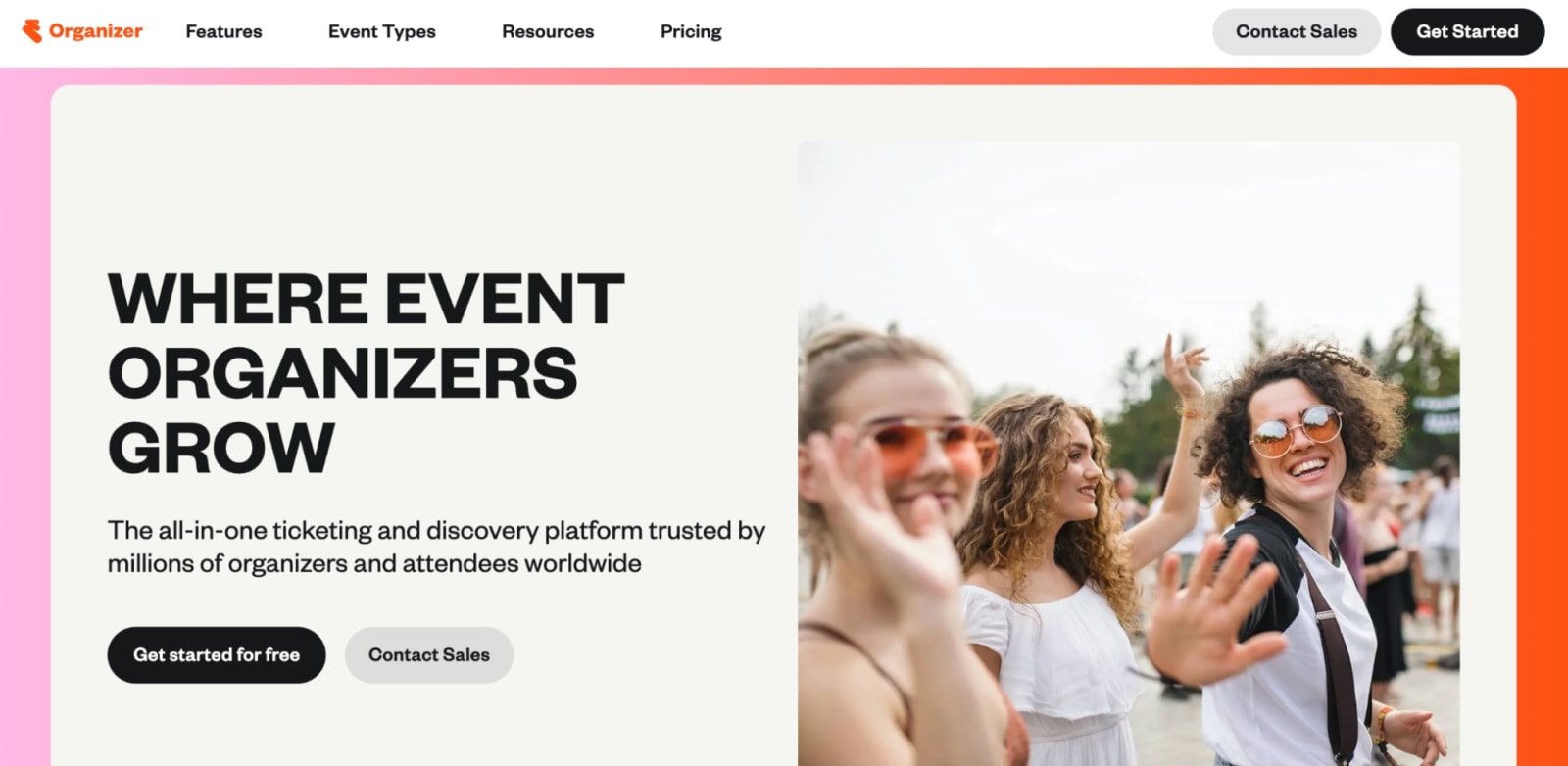
Eventbrite is a go-to ticketing platform for public, paid (and even free) events like concerts, workshops, and community gatherings. You can get an event live fast, start selling tickets right away, and avoid upfront subscription fees.
Where it starts to feel limiting is when events need more complexity and personalization. Eventbrite isn’t built for layered registration rules, internal corporate programs, or managing a full portfolio of events. Customization and CRM depth are limited, which is why many marketing and operations teams eventually outgrow it once their events become more strategic—or more complicated.
Features users love
- Quick and easy event setup: You can publish an event and start selling tickets in minutes
- Built-in event discovery marketplace: Reach people already browsing Eventbrite and boost visibility with sponsored placements across search and the app
- No upfront subscription costs: You pay only when you sell tickets, which lowers the barrier to entry
- Ticketing and payments: Flexible ticket types (paid, free, donation), embedded checkout on your own site, and fast payouts
- Event mail marketing tools: Promote events with customizable templates, audience segmentation, and reporting tied to ticket sales
| Pros ✅ | Cons ❌ |
|---|---|
| • Strong ticketing and promotion features • Free to start • Large discovery marketplace • Fast, easy setup | • Per-ticket fees add up quickly • Minimal integrations and automation • Not built for complex events • Limited customization and branding control |
What users say about Eventbrite
“What I like best about Eventbrite is how simple and efficient it makes event creation and management. The platform is very user-friendly, even for first-time users, and it allows me to manage registrations, ticketing, and attendee communication all in one place. The analytics and attendee insights are especially helpful for understanding engagement and improving future events. Overall, it saves a lot of time and makes event execution smooth and organized. Sometimes the platform feels a bit slow when handling larger attendee lists, and the service fees can be slightly high for smaller events. Apart from that, the overall experience is good.”
- Muzammil G., Graphic Designer
“It's a platform that is very user-friendly and reliable, which people already know and trust. It is easy to use and to integrate with other apps, like with WordPress. This one, for instance, allows you to publish your events, manage the ticket sales and promote them from your company's website. I have noticed an increasing number of people reporting false events listed there lately, so the audience needs to be more cautious, especially with paid events. This might affect how people trust this platform in the future. I never needed customer support, but heard from colleagues that this is something they could improve.”
- Verified User in Higher Education
Pricing
Unlike the other event planning software on this list, you can actually publish your event for free on Eventbrite! There are no fees for free events. For paid events, Eventbrite charges a 3.7% + $1.79 service fee per ticket, plus a 2.9% payment processing fee per order.
Eventbrite also offers a paid add-on called Eventbrite Pro, which includes expanded marketing, letting you send up to 10,000 event marketing emails per day.
Use Eventbrite if:
- You run public, ticketed events like workshops, concerts, or community events.
- You want to start selling tickets immediately with minimal setup.
- You don’t need advanced workflows, CRM sync, or multi-event reporting.
- Paying per ticket instead of a subscription makes sense for your volume.
- Event marketing and ops complexity is relatively low.
7. Whova: Best for driving attendee engagement
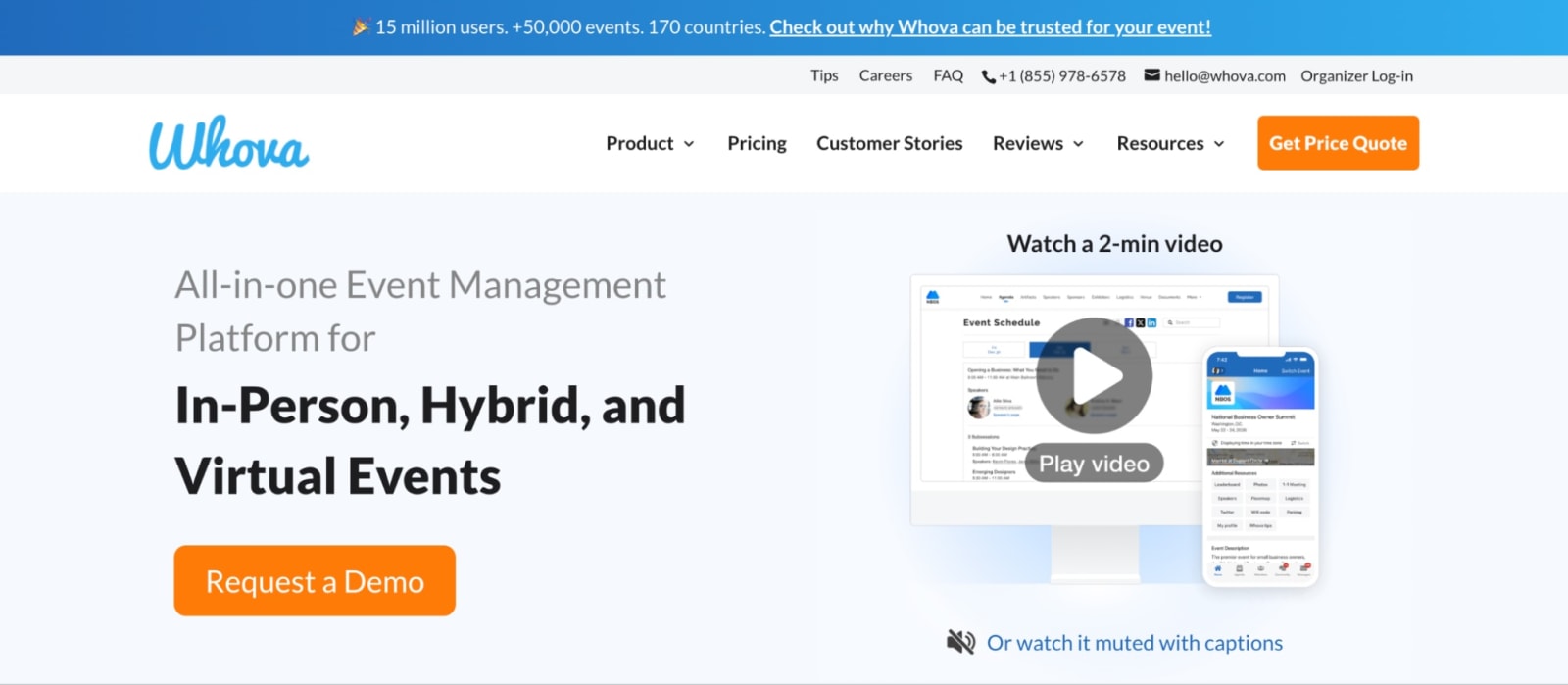
Whova is best known for helping attendees actually connect at events. Its mobile app puts networking front and center, with features like attendee profiles, messaging, community boards, and gamification that make it easier for people to interact. It also handles the essentials (registration, agendas, and virtual components) so you can run your event in one place.
Where Whova really stands out is in creating that sense of community before, during, and after the event. It’s a great fit for conferences where engagement is the main goal. That said, if your events start to vary widely in format or complexity, you might find yourself wanting more control over registration logic and program structure than Whova provides.
Features users love
- Attendee networking tools: Profiles, messaging, discussion boards, and meet-up coordination make it easy for attendees to connect with each other.
- Interactive mobile event app: A polished, built-in app that keeps schedules, announcements, and networking in one place.
- Gamification and engagement features: Leaderboards, challenges, and interactive elements that encourage participation during sessions.
- Agenda and speaker management: Easy-to-navigate schedules with real-time updates.
- Virtual and hybrid support: Live streaming and virtual participation options integrated into the same platform
| Pros ✅ | Cons ❌ |
|---|---|
| • Strong attendee networking and messaging tools • Polished, easy-to-use mobile event app • Built-in gamification features | • Limited control over advanced registration rules • Branding customization can feel templated • App notifications can get overwhelming for users |
What users say about Whova
“Whova is fairly intuitive and easy to navigate, which makes a big difference during busy events. I especially appreciate that each session has a dedicated place for Q&A, note-taking, and chatting with other attendees. Having all event documents in one place is very convenient, and the event guide helps keep everything organized. When I get a notification about a reply or reaction, it doesn’t take me directly to that specific response, which would be a helpful feature. Also, communities, topics, and polls can feel a little jumbled, so a clearer layout in that area would improve the experience.”
- Shannon S., Clinical Education Coordinator
“Having all of the attendees in one place and searchable by key tags such as interests or job titles. Huge benefit for speakers to be able to market themselves to a target audience. The amount of notifications made it difficult to know when a notification was from someone trying to make contact or just an announcement from the app developer or a “canned” message from the event directors. It became difficult to navigate person to person discussions.”
- Brian G., Owner
Pricing
Although Whova doesn’t publish full pricing details, it references a 3.0% + $0.99 ticket fee, so per-ticket charges are part of their pricing model.
Use Whova if:
- Your main goal is getting attendees to connect and interact before, during, and after the event.
- Your event structure is fairly straightforward and doesn’t require heavy backend customization.
- A strong mobile event app is critical to your event experience.
Okay, but which one’s right for you?
At the end of the day, that part’s on you, dear reader! But always remember the north star: event tech should make your life easier, not heavier.
Besides that, it’s all about your needs. Some platforms are built for public ticket sales. Some are built for massive, once-a-year conferences with layers of approvals. Some are built to keep attendees networking long after the keynote ends.
But if you’re running a real event program—multiple events, different audiences, real integrations, real reporting pressure—you need flexibility without chaos and power without a three-month setup. And if that’s the case, give Swoogo a try.
FAQ on Event Plannning Software
What is event planning software?
Event planning software is a platform that helps teams manage the full lifecycle of an event—from registration and marketing to onsite check-in, attendee engagement, and post-event reporting. Instead of juggling separate tools for email, ticketing, badges, and data tracking, event planning software brings everything into one system so your workflows, data, and attendee experience stay connected.
What features and benefits should event planning software have?
At a minimum, event planning software should include:
-
- Flexible event registration with conditional logic
-
- Branded event websites and communications
-
- CRM and marketing automation integrations
-
- Onsite check-in and badge printing tools
-
- Reporting and analytics that tie events to pipeline or ROI
When your event planning software has these features, you get fewer manual workarounds, cleaner data, and a smoother experience for both your team and your attendees.
Which event software is best for hybrid events?
The best event software for hybrid events supports in-person and virtual experiences within the same system—without forcing you to duct-tape multiple platforms together. Look for tools that offer flexible registration paths, streaming support, engagement features, and centralized reporting across formats.
Platforms like Swoogo and Cvent support hybrid events well, but many teams prefer Swoogo for its flexibility and ease of use without heavy implementation requirements.
How much does event planning software cost?
It depends. Some tools are free to publish and just take a cut of each ticket. Others start in the five-figure range per year—and that’s before you add per-registration fees, payment processing, add-ons, or professional services.
Platforms like Cvent and RainFocus use custom pricing, which can make it tough to predict your total cost upfront. The more complex your events (or the more of them you run), the more that number can grow.
If you’re running complex events at scale, predictability matters. Swoogo offers flat annual pricing with unlimited events and unlimited registrations—so your costs don’t spike every time your attendance does.
Which event software is easiest to use?
“Easy” depends on your team, but based on G2 reviews, Swoogo consistently scores high for usability among enterprise-capable platforms.
Teams often mention how intuitive the interface feels and how quickly they can launch events without heavy reliance on professional services. The easiest software is the one your team can actually manage on their own—without a three-month ramp-up period.