Product Updates

Feb 13, 2026

New Transaction Merge Field

Event Data + Insights Event Registration
insert transaction merge fields like the time & date a transaction was processed into your automated email

Add transaction merge fields to automated registration emails for clearer payment communications with attendees. You can now include the date and time a transaction was processed, and pair it with existing details like the amount, payment status, or last four digits of the card. All fields are automatically pulled from the registrant’s most recent confirmed payment, helping you send accurate receipts and reduce follow-up questions.

Send detailed payment confirmations →

🔗 Copy link • Copied!
Feb 6, 2026

New Admin Controls for Invitees

Event Registration
actions that can be taken on behalf of invitees, including admin accept or admin decline

Confirm registrations faster by accepting or declining invitations on behalf of a contact via admin registration. Visit any invitation list & you’ll see the new action options Admin Accept Invitation and Admin Decline Invitation!

Confirm registrations your way →

🔗 Copy link • Copied!
Feb 4, 2026

Deliver Transaction Details via the Registrant Webhook

Integrations
Setting to include full transaction details in the registrant webhook

The registrant webhook now includes full transaction details. Give your integrations immediate access to ticket costs, add-ons, taxes, and totals as soon as a registrant is created. Previously, this financial data was only available after updates. Now, it’s delivered upfront, so you can capture accurate registration charges in real time.

Set up webhooks →

🔗 Copy link • Copied!
Jan 31, 2026

What’s New in Go Attend

Engagement Mobile
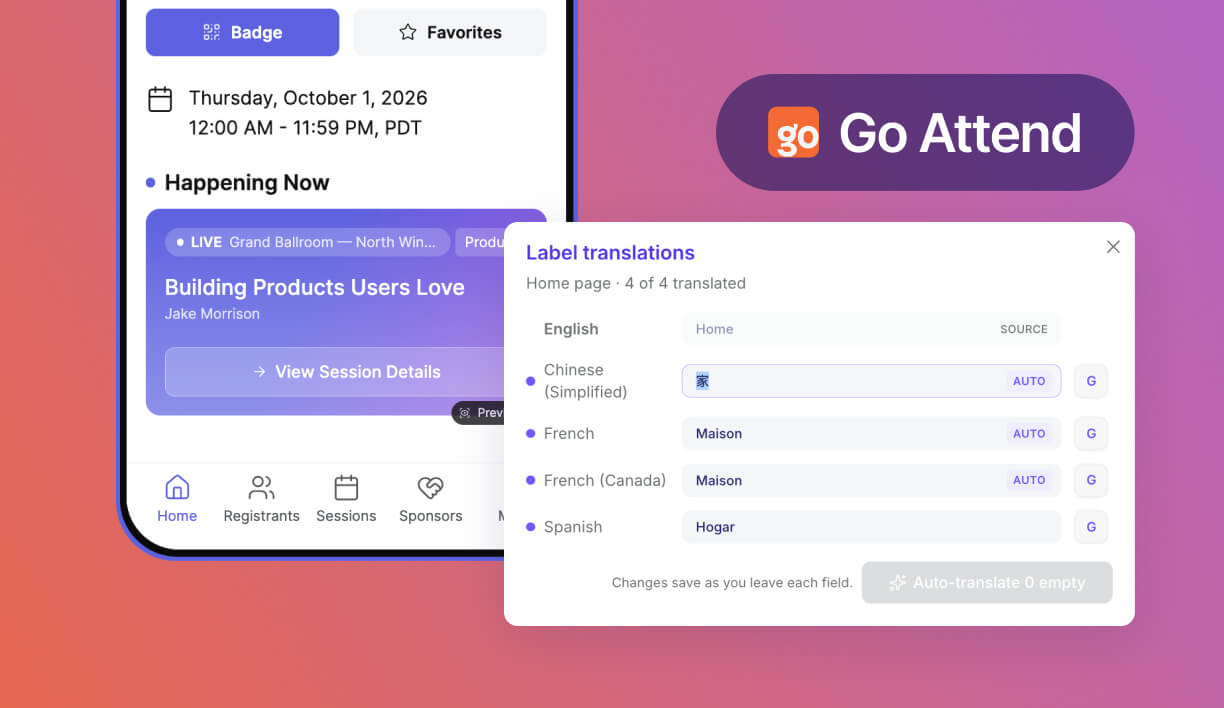
Chat and connection requests within Go Attend event app. Settings to upload a custom font.

Connect + Chat (Beta). Make event networking more intentional and prioritize attendee preferences. Attendees can discover others, request connections, and send chats directly in their event app, keeping conversations relevant and inboxes clutter-free.

Custom Fonts (Beta). Extend your branding into Go Attend by uploading your own font. Create a more polished app experience that looks and feels like your event.

Mobile-friendly Page Settings. Embedding custom Swoogo pages in Go Attend is now faster and more mobile-friendly. There’s a new setting to optimize those pages for viewing in the mobile app, automatically hiding headers, footers, and cookie banners and adding pull-to-refresh functionality.

Optimized Sponsor Images. Upload sponsor image files designed for optimized viewing in the mobile app. Add a separate banner image and logo image to ensure sponsor branding looks polished and consistent across the app.

Get building in Go Attend ->

Want to explore Go Attend for your events? Reach out to your Account Manager to learn more about the mobile app.

🔗 Copy link • Copied!
Jan 20, 2026

Streamlined Agenda Widgets

Event Registration Event Websites
swoogo built agenda

Make sure your Agenda widget only shows what matters. With a new setting, you can easily hide any empty fields, keeping your attendees’ agendas clean and easy to scan. 

Simplify your agendas ->

🔗 Copy link • Copied!